
What Are Open-Source Workflow Automation Tools, and How Do They Work?

TL;DR
Your content calendar has three articles marked “in progress.” Two ChatGPT drafts sit in Google Docs. One freelancer delivered late. None of them shipped. The blog has not published in 11 weeks.
Most teams respond by adding tools: a new CMS plugin, another automation recipe, a Zapier integration that half-works. The friction rarely lives in the tools themselves. It lives in mismatched workflow categories. Teams apply integration pipeline tools to approval-gate problems and wonder why nothing closes.
The Capability-Control-Complexity framework gives content teams and agency operators a structured way to classify their workflow type before selecting any tool. It separates execution model from feature count. The result is a shortlist that fits how your work actually moves, not how the demo looked. This guide builds that framework step by step.
What do open-source workflow automation tools actually do?
Open-source workflow automation tools execute sequences of tasks across systems, services, or people without manual intervention. They differ by execution model: some move data between APIs, some route tasks through human approvals, and some coordinate long-running processes across distributed services. Picking the wrong category means rebuilding from scratch six weeks in.
What Workflow Automation Tools Actually Do , and Where Most Teams Misread the Category
Most teams assume any tool with a visual workflow builder works the same way as any other. That assumption is the source of most failed automation projects.
Workflow tools split into three distinct execution models. Conflating them is the single fastest way to stall a project before it ships.
System-to-system integration pipelines connect APIs, databases, and services. Tools like n8n fall here. They move data between endpoints on a trigger or schedule. They do not manage human decisions. A tool with 62+ MCP integrations [3] operates at this integration layer. It is built for machine-to-machine handoffs, not process governance.
Human-centered process management routes tasks through people. It uses approval gates, role assignments, and decision points where a human must act before the workflow continues. Camunda uses BPMN 2.0 [4] for this model. BPMN 2.0 is a standardized notation for mapping human-approval flows with precise branching logic.
Long-running orchestration coordinates processes that run across days, weeks, or distributed services. Apache Airflow fits here. These tools manage state over time and handle retries, dependencies, and failure recovery across many steps.
Execution Model | Primary Use | Example Pattern |
|---|---|---|
System-Driven Pipeline | API-to-API data movement | Webhook fires, record updates in CRM |
Human-Centered Process | Approval routing with gates | Contract submitted, legal reviews, CFO signs |
Long-Running Orchestration | Stateful multi-step coordination | ML pipeline runs over 48 hours with retries |
Teams most often misread the category by choosing a system-driven tool for a process that requires human approval routing. The tool can fire webhooks and transform data. It cannot hold a task in a queue until a manager clicks approve.
Classify the workflow type first. Then open the comparison list.
How These Tools Execute Work: Triggers, Scheduling, and Conditional Branching Explained
Every workflow automation tool, regardless of category, operates on three control primitives. Understanding them lets you evaluate any tool without running a trial first.
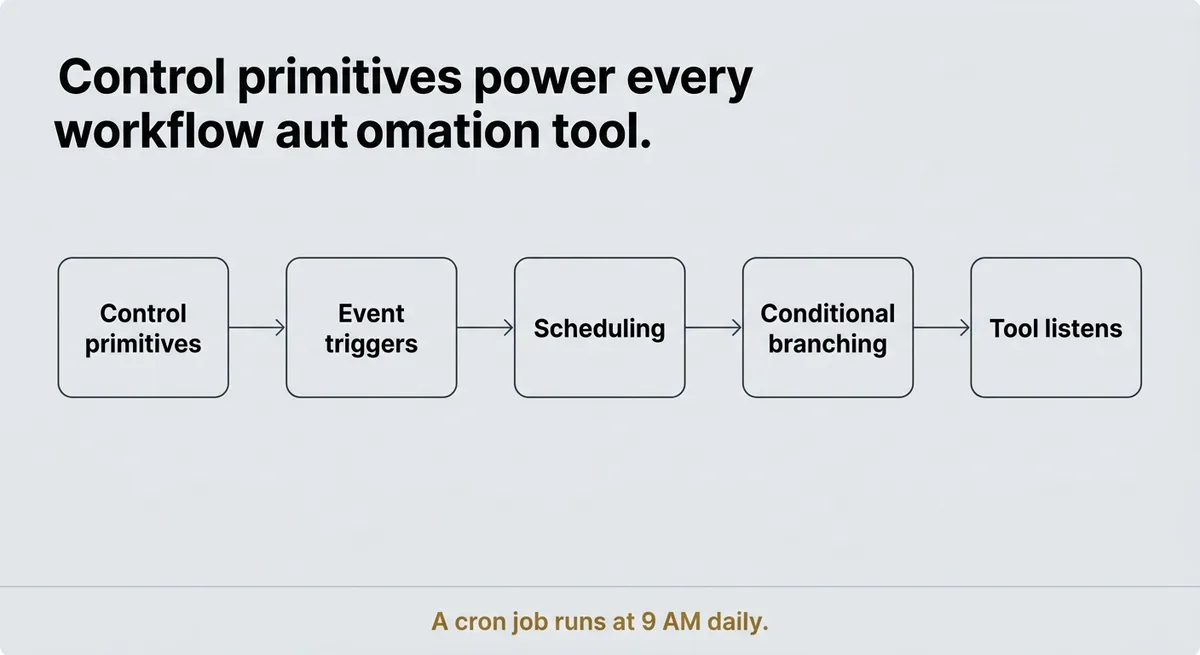
Event triggers start a workflow when something happens. A webhook fires when a payment confirms. A message arrives in a queue. An API call returns a response. The tool listens and reacts.
Time-based scheduling starts a workflow on a clock interval. A cron job runs at 9 AM daily. A fulfillment check runs 24 hours after an order. Calendar-based delays hold a task until a business day.
Conditional branching splits the workflow path based on data or state. If inventory is above threshold, route to fulfillment. If not, route to backorder notification. Error handling, retry policies, and state machines all live in this primitive.
Here is a concrete example. An order fulfillment workflow triggers on payment confirmation. It schedules a fulfillment check after 24 hours. It then branches: if inventory is available, it sends a shipment confirmation; if inventory is depleted, it triggers a backorder process and notifies the customer.
That three-step pattern, trigger, schedule, branch, appears across all tools. What differs is how each tool exposes it [1]. Some present triggers and branches through a GUI with drag-and-drop nodes. Others require YAML configuration files or code written in Python or JavaScript. A few use a domain-specific language that sits between no-code and full code.
At least 10 tools in structured comparisons implement these primitives differently [1]. The GUI-first tools make simple branches easy and complex state management painful. The code-first tools handle deep branching cleanly but require a developer to modify any logic.
A team that relies only on scheduled jobs will hit a hard wall when an event-driven mid-workflow branch becomes a requirement. The scheduler cannot react to real-time data. It only fires at intervals.
Trigger types mapped to use case:
Trigger Type | Best For | Watch Out For |
|---|---|---|
Event-driven webhook | Real-time reactions to external actions | Requires reliable endpoint and retry logic |
Cron / time interval | Batch jobs, recurring reports | Cannot react to mid-cycle data changes |
Conditional branch | Decision forks based on state or data | Deep nesting adds maintenance burden fast |
Match the trigger type to your actual workflow shape. If your workflow reacts to data, you need event-driven support, not just a scheduler.
You Are Probably Evaluating These Tools in the Wrong Order , Here Is What to Compare First
Stop starting with the feature matrix. Start with how much complexity your team can actually absorb.
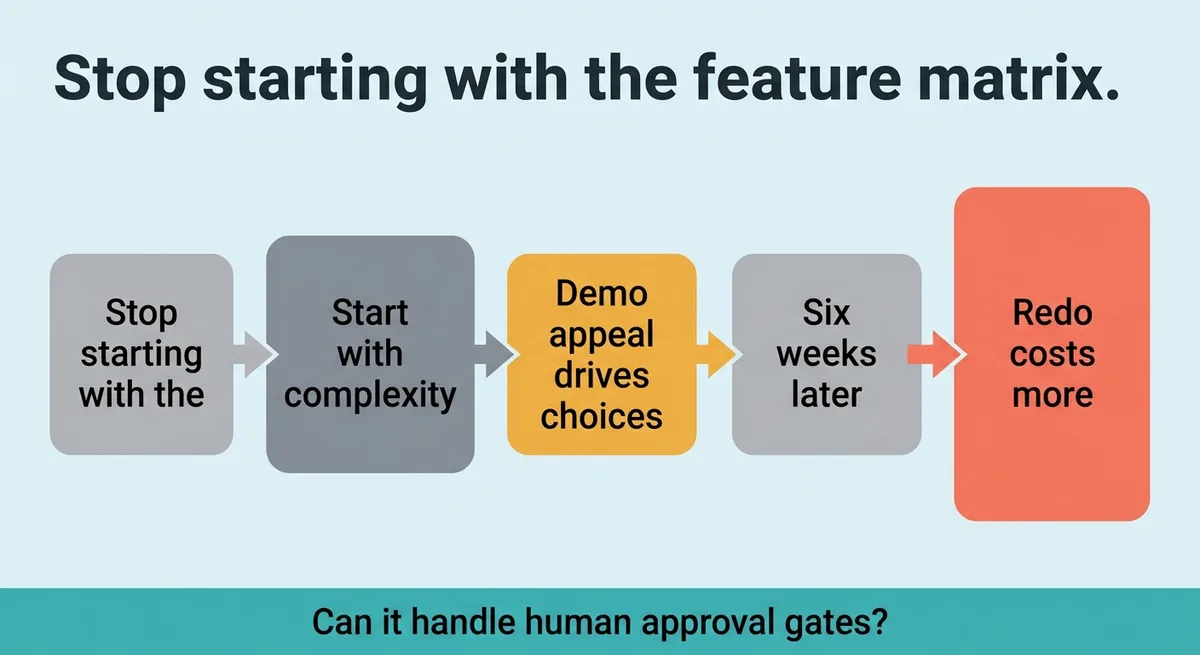
Teams consistently choose tools based on demo appeal. Then, six weeks into implementation, they discover the tool cannot persist state across a multi-day approval chain or lacks role-based routing. The redo costs more than the original evaluation.
The Capability-Control-Complexity (CCC) framework structures the evaluation in the correct order.
Capability covers what workflow types the tool natively supports. Can it handle human approval gates? Does it support stateful long-running processes? Does it integrate with the services already in your stack?
Control covers how granular the execution logic can get. How deep can branching go? Does the tool support retry policies, error handling, and state persistence across failures? Can you define custom roles for approval routing?
Complexity covers deployment footprint, maintenance burden, and integration effort. How much infrastructure does it require? Who on the team owns updates? Does configuration require a developer or can a non-technical operator manage it?
The CCC framework places Complexity before Capability in practice. The reason is simple. A tool that scores high on Capability but exceeds the team’s Complexity threshold will fail in production, not in the evaluation. The team will ship nothing.
Enterprise-grade open-source engines are used by many Fortune 100 companies [2] and hundreds of commercial customers [2] across 35 countries and 5 continents [2]. That scale signals that governance requirements, audit trails, and role-based controls matter at production volume. Those features sit inside the Control dimension of the CCC framework. Teams at earlier stages often skip scoring Control and pay for it when a compliance requirement surfaces post-launch.
Apply the Capability-Control-Complexity model before opening a vendor comparison page. Score each dimension against your actual workflow type. A pipeline tool scores low on Control by design. That is not a defect. It is a category mismatch if your workflow requires approval gates.
Friend advice: Stop shortlisting tools by integration count. Start by writing one sentence that describes who or what moves the workflow forward at each step.
That one sentence tells you which execution model you need. The rest of the evaluation follows from it.
Operational Tradeoffs That Decide Whether an Open-Source Tool Fits Your Team Long-Term
A tool that fits the workflow type can still break the team if the operational tradeoffs are wrong.
Four tradeoffs decide long-term fit. Each one feeds directly into the Complexity dimension of the CCC framework.
Self-hosted vs. managed cloud is the infrastructure ownership question. Self-hosting gives full control over data, configuration, and update timing. It also puts the maintenance burden entirely on your team. A team that self-hosts a Kubernetes-dependent orchestration engine without dedicated DevOps capacity loses an estimated 3 to 5 hours per week managing the environment instead of building workflows. That is time budgeted against thin margins for agency operators or against a lean engineering team for a SaaS company.
Licensing model determines what you can modify and redistribute. Open-core licenses give you a free tier with commercial features gated behind a paid plan. Fully open licenses give you the complete codebase. The distinction matters when you need to modify the tool’s core behavior or when you plan to embed it inside a product you ship to clients.
Pricing at scale is where managed versions close the cost gap. Some tools offer managed plans starting at $20 per month billed annually [1]. Others price per seat at $7 per user per month billed annually [1]. Free trials range from 14 days [1] to 30 days [1] depending on the vendor. Those numbers look small at five users. They compound fast at twenty-five users across multiple client accounts.
Team skill requirements determine who can build and maintain workflows. A YAML-based configuration tool requires a developer for every logic change. A GUI-first tool lets a non-technical operator build basic flows but blocks complex branching. A code-first tool gives maximum control and maximum maintenance responsibility.
Tradeoff | Low Complexity Option | High Complexity Option |
|---|---|---|
Hosting | Managed cloud | Self-hosted on Kubernetes |
Licensing | Open-core free tier | Fully open, self-maintained fork |
Skill requirement | No-code GUI | Code-first DSL or Python |
The CCC framework score on Complexity is not a one-time calculation. Complexity cost is ongoing. Each update cycle, each new team member, and each new client workflow adds to the maintenance load. Score Complexity against the team you have today and the team you expect to have in six months.
A 14-day or 30-day trial tells you whether the tool works. It does not tell you whether your team can maintain it at month seven without degrading output cadence.
Match Workflow Type to Execution Model Before Comparing Any Tool
The CCC framework does one thing: it stops teams from committing to the wrong category.
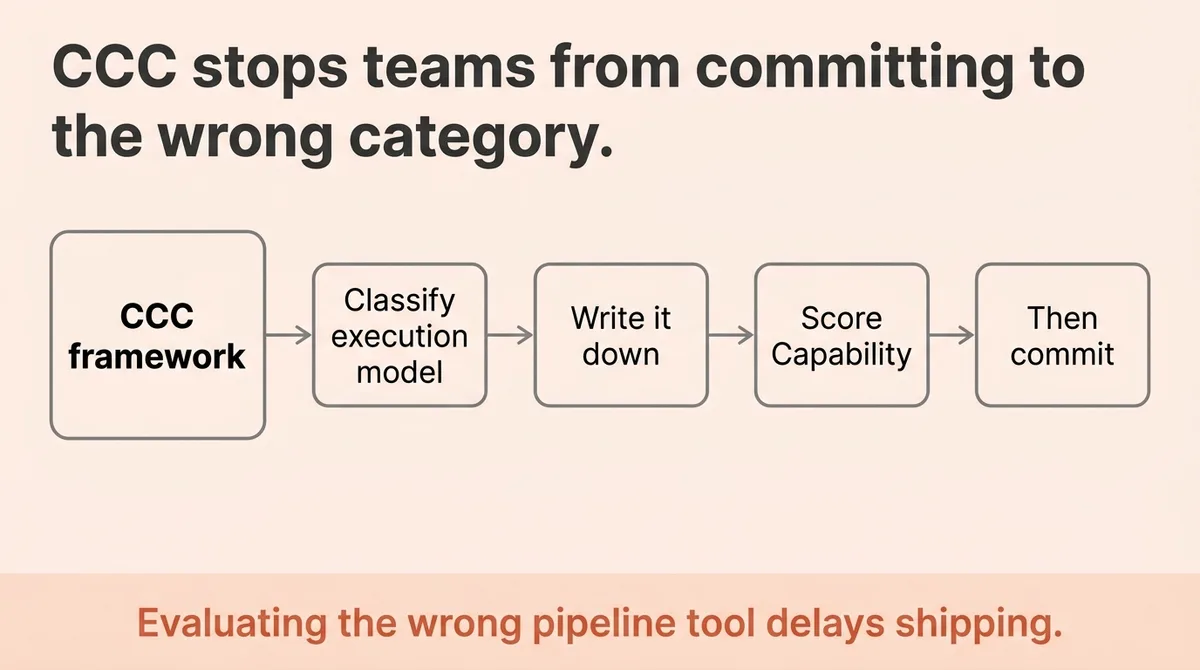
Classify the execution model first. System-driven, human-centered, or long-running orchestration. Write it down. Then score Capability, Control, and Complexity against that classification. Only then open the comparison list.
Every hour spent evaluating a pipeline tool for an approval-routing problem is an hour that does not ship a workflow.
Pick the category. Score the framework. Then commit.
References and Citations
[1]https://thedigitalprojectmanager.com/tools/best-open-source-workflow-software/
[2]https://decisions.com/blog/the-benefits-of-open-source-workflow-automation-software
[3]https://github.com/meirwah/awesome-workflow-engines
[4]https://formsflow.ai/features/powerful-workflow-engine/
A system-driven integration pipeline moves data between APIs and services automatically on a trigger or schedule, while a human-centered workflow tool routes tasks through people using approval gates and role assignments before the process can continue. Tools like n8n operate at the integration layer for machine-to-machine handoffs, while tools like Camunda use BPMN 2.0 to model human-approval flows with precise branching logic. Choosing the wrong category is the most common reason automation projects stall: a pipeline tool cannot hold a task in a queue until a manager clicks approve.
Start by classifying your workflow type first: system-driven pipeline, human-centered process management, or long-running orchestration, then apply the Capability-Control-Complexity framework to score any candidate tool against your actual workflow shape before opening a feature matrix. Capability covers what workflow types the tool natively supports; Control covers branching depth, retry policies, and state persistence; Complexity covers deployment footprint, skill requirements, and ongoing maintenance burden. For content teams specifically, Zelitho takes a different angle by collapsing topic selection, drafting, optimization, and CMS publishing into one connected process, which removes the category-mismatch problem entirely for blog production workflows.
Self-hosting an open-source workflow automation tool costs an estimated 3 to 5 hours per week in environment management if the tool requires Kubernetes and your team lacks dedicated DevOps capacity, plus the compounding cost of every update cycle and each new workflow added. Managed cloud alternatives start at around $20 per month billed annually, with per-seat pricing around $7 per user per month billed annually, and free trials ranging from 14 to 30 days. Those numbers look small at five users but compound quickly at twenty-five users across multiple client accounts, which is why Complexity scoring in the Capability-Control-Complexity framework should account for the team you expect in six months, not just today.
Most workflow automation projects fail because teams apply the wrong execution model to the problem: they pick a system-driven pipeline tool for a workflow that requires human approval routing, and the tool simply cannot hold a task in a queue until a person acts. The failure rarely lives in the tool itself; it lives in the category mismatch, which only surfaces six weeks into implementation after the redo cost has already been incurred. For blog production specifically, the same fragmentation problem appears across separate tools for research, drafting, editing, and CMS handoff, which is the workflow gap Zelitho is built to close by connecting all those steps inside one system.
The three execution models are: system-driven integration pipelines for API-to-API data movement on triggers or schedules, human-centered process management for workflows that require approval gates and role-based routing before continuing, and long-running orchestration for stateful processes that run across days or distributed services with retry and failure recovery. Use a pipeline tool like n8n when work moves between machines automatically; use a BPMN-based tool like Camunda when a human must act at defined decision points; use an orchestration engine like Apache Airflow when a process spans hours or days and must survive failures. Choosing the wrong model means rebuilding from scratch, so classifying the workflow type before evaluating any tool is the most important step in the evaluation process.