
How to Format Blog Post and Website Citations in APA Style

TL;DR
You open the CMS draft at 11 p.m., reference list half-done, and the APA manual PDF is open in another tab with 400 pages of nothing useful on screen. The citation is for a blog post, and you are not sure if it counts as a webpage or something else.
The common move is to copy a citation from a similar paper and swap in the new details. That approach breaks down fast because blog posts and website pages follow slightly different patterns. Missing one field, like an author name, causes people to leave a blank rather than apply the correct substitution.
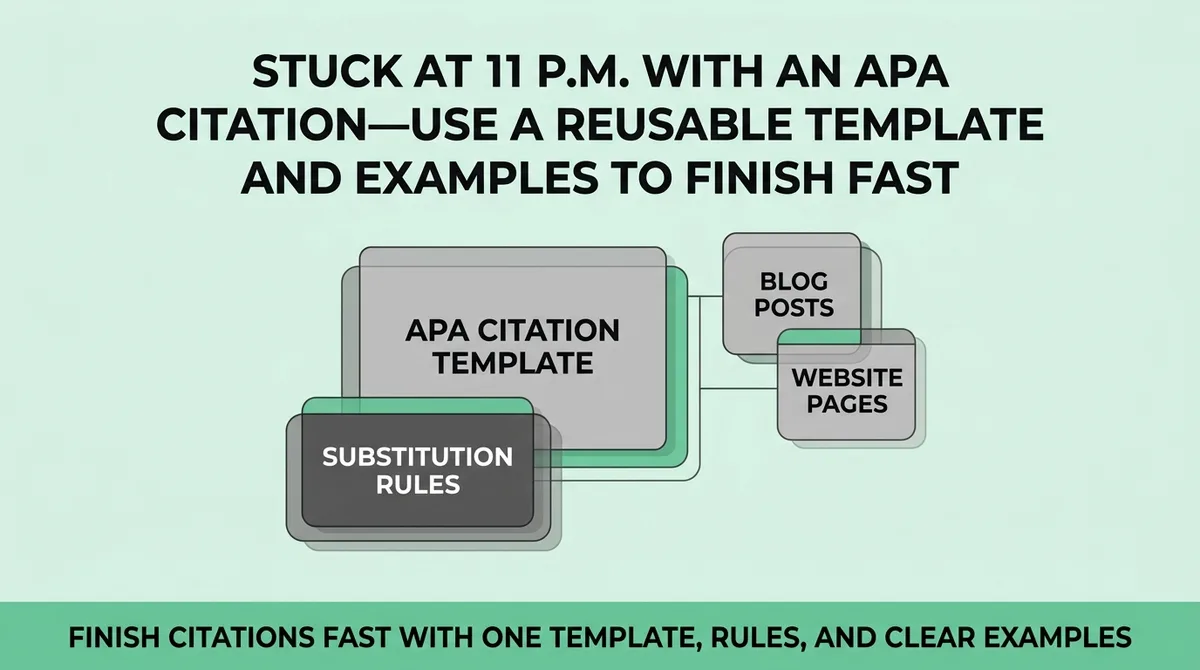
APA web citations follow one core order: Author, Date, Title, Source. Every exception to that order has a defined fix. This guide is for students, researchers, and writers who cite web sources regularly and want a stable process they can repeat without checking the manual each time.
What is the correct APA format for a blog post or website citation?
APA format for a blog post or website page follows one structure: Author Last Name, Initials. (Year, Month Day). Title of page or post. Site Name. URL
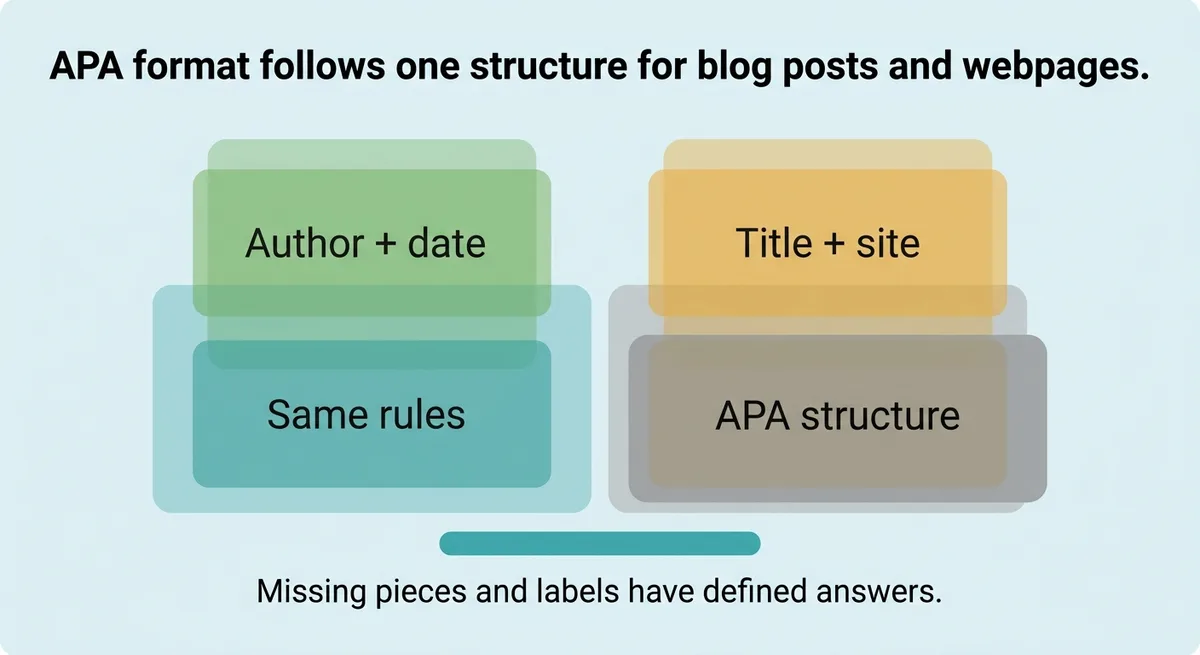
The format is the same whether you are citing a news site, an organizational page, or a personal blog. What changes is how you handle missing pieces, and how you label a blog post versus a plain webpage. Both problems have defined answers.
The One Citation Pattern That Covers Most Web Sources
Nearly every blog post and website page fits one template:
Author Last Name, Initials. (Year, Month Day). Title of the page. Site Name. URL
That structure handles the majority of sources you will cite. Memorize the order: Author, Date, Title, Source.
Stop second-guessing field order every time. Start with that template and only adjust when a field is missing or the source type requires a small label change.
Here is the template applied across three common source types:
Source Type | Example | Notes |
|---|---|---|
Blog post | Patel, N. (2022, June 14). How to rank in Google. Neil Patel. https://example.com | Label [Blog post] after title if source type is ambiguous |
Website page | Centers for Disease Control and Prevention. (2023, March 1). Flu symptoms. CDC. https://example.com | Org name used as author when no individual is listed |
No-author page | Best practices for remote work. (2021, September 10). Remote Work Hub. https://example.com | Title moves to author position |
The table replaces the author name with the page title when no individual author is listed. The rest of the format stays the same.
One field shifts. Nothing else changes.
Stop rebuilding citations from scratch each time. Write this template on a sticky note and match every web source to it before opening any style guide.
What to Do When Author, Date, or Site Name Is Missing
Missing fields do not mean broken citations. Each gap has a substitution rule.
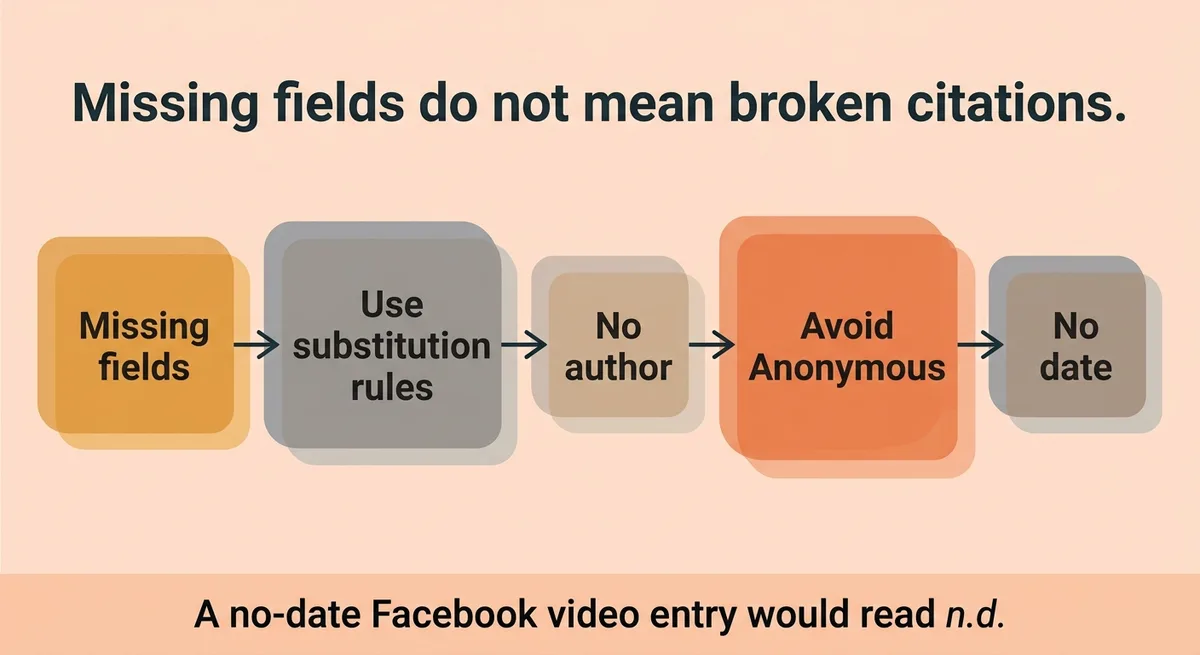
No author: Move the page title into the author position. Do not write “Anonymous.” That label is reserved for sources that explicitly credit an anonymous author.
No date: Write n.d. in parentheses where the year would appear. When a source has no date and its content could change over time, add a retrieval date [1]. A no-date Facebook video entry would read: n.d. in the date field, followed by a retrieval date of the form “Retrieved April 23, 2020, from URL” [1].
No site name: If the site name matches the author name, leave the site name out. Including it twice adds no useful information for a reader trying to locate the source.
These three rules cover the overwhelming majority of incomplete web citations.
One more specific case: when you cannot identify an author and must build the reference entry from the text itself, use the first 20 words of the post as the title field [1]. Count carefully. Cutting off too early leaves a title that does not identify the source. Cutting off too late makes the entry unwieldy.
For example, imagine a graduate student citing an undated organizational web page for a policy paper. The page has no listed author and no date. The correct entry places the page title first, uses n.d. for the date, and includes a retrieval date if the content is time-sensitive. That student does not skip the citation or mark it as incomplete. The substitution rules exist precisely for this scenario.
Apply the rule, fill the field, and move on.
You Are Probably Treating Blog Posts and Website Pages as the Same Thing, They Are Not
The false assumption that trips up most writers: a blog post and a website page are identical for citation purposes. They are not, and conflating them produces a reference list that reviewers notice immediately.
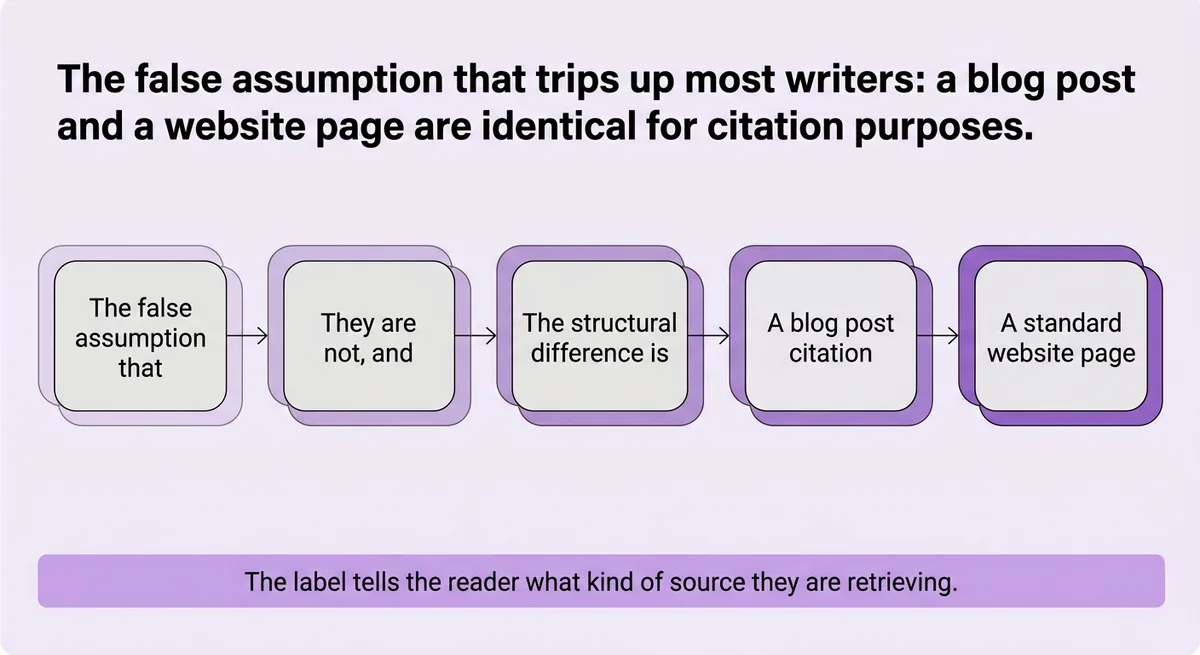
The structural difference is small but specific.
A blog post citation includes a label in brackets after the title: [Blog post]. A standard website page does not carry that label. The label tells the reader what kind of source they are retrieving. Without it, a blog post looks like a generic webpage, and a reader following your reference list cannot quickly assess the source type.
APA in-text citations use two forms [2]. For paraphrased or summarized material, you include the author and year. For a direct quote, you add the page number or paragraph number in parentheses [2]. Web sources rarely have page numbers, so paragraph numbers or section headings substitute. Neither case requires a different reference list format, but both require the in-text marker to be accurate.
The practical correction: when you finish a reference list entry for a blog post, check the title field. If you do not see [Blog post] in brackets immediately after the italicized title, add it. That single bracket label is the only formatting difference between a blog post entry and a website page entry [3].
One implementation caveat: some organizational blogs publish posts under a corporate author rather than an individual writer. In that case, the organization name fills the author field, and the [Blog post] label still follows the title. The label marks the format of the content, not the identity of the author.
Here is a side-by-side comparison:
Element | Blog Post | Website Page |
|---|---|---|
Author field | Individual or org name | Individual or org name |
Title format | Italicized title [Blog post] | Italicized title |
Site name | Blog name or parent site | Website or org name |
URL | Direct link | Direct link |
The only cell that differs is the title format row.
Correcting that one field in your reference list takes less than thirty seconds per entry. Missing it costs you credibility with anyone who reviews citations carefully.
How Wrong or Incomplete APA Web Citations Damage Your Credibility With Readers and Reviewers
APA style rules are documented in Section 10.15 of the APA manual for specific source types, with detailed guidance spanning multiple pages [1]. Reviewers who work with APA daily recognize deviations immediately.
A malformed citation signals one of two things: the writer did not check the source, or the writer does not understand citation standards. Neither reading benefits the author.
The concrete consequence is not just a point deduction on an assignment. For a researcher, a broken citation in a journal submission can trigger a revision request that delays publication. For a content strategist or agency writer producing reference-heavy content, a citation error undermines the authority of the piece at the exact moment the reader is deciding whether to trust the source.
For example, imagine a marketing team publishes a long-form article that cites fifteen web sources. Three citations are missing the [Blog post] label. Two have no date and no n.d. substitution. A subject-matter reviewer reading for accuracy spots the gaps in the first pass. The team’s credibility on the topic drops before the reviewer reads the argument.
That outcome is avoidable. The template and the substitution rules together cover every scenario above.
Stop treating citation formatting as a final-step cleanup. Build citations in correct format as you collect sources, before the draft is written.
One Template, Clear Rules, No More Citation Guesswork
The Author, Date, Title, Source order applies to almost every web source you will cite. The three substitution rules, title moves up when there is no author, n.d. replaces a missing year, site name drops when it duplicates the author, cover the gaps. The [Blog post] bracket is the only formatting difference between a blog post entry and a webpage entry.
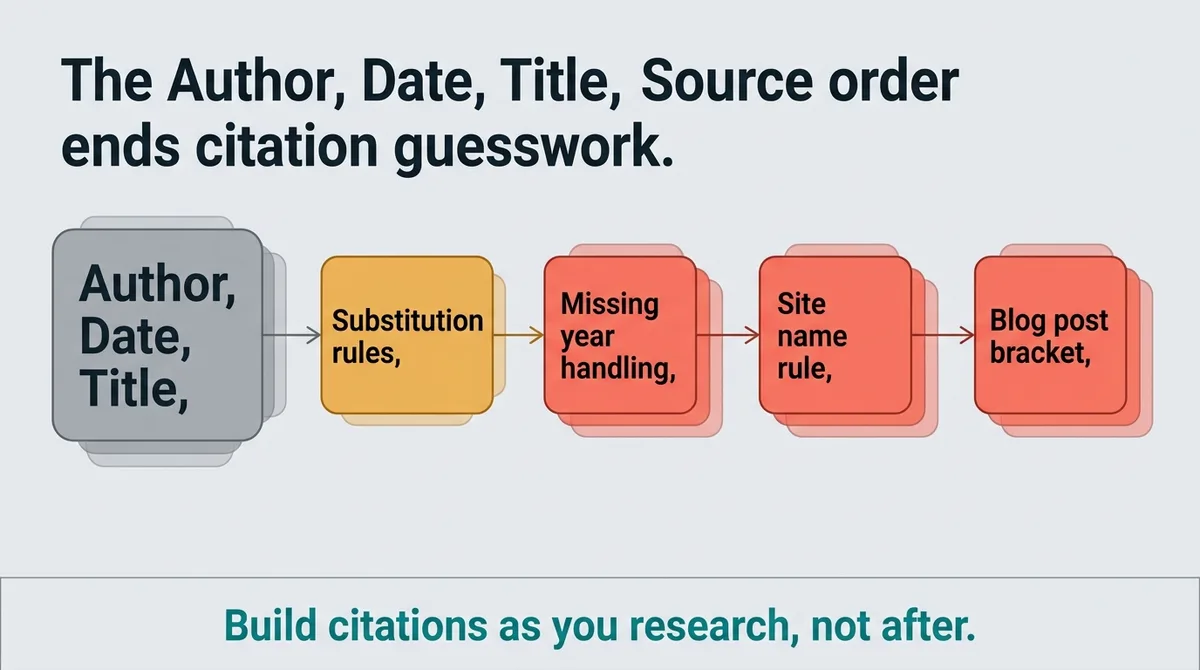
Build citations as you research, not after. Every field has a defined answer, and no web source is too unusual for the template to handle.
One correct citation takes forty-five seconds. A citation built wrong and left uncorrected takes longer to defend than to fix.
References and Citations
[1]https://libguides.cnc.bc.ca/c.php?g=737570&p=5314203
[2]https://library.rcsi-mub.com/APA_7th_Edition_Citation_Style_Guide/in_text_citations
[3]https://owl.excelsior.edu/citation-and-documentation/apa-style/apa-references/web-page-apa-references/
FAQ
The correct APA format for a blog post is: Author Last Name, Initials. (Year, Month Day). Title of post [Blog post]. Site Name. URL. The key detail that separates a blog post entry from a plain website page entry is the bracket label [Blog post] placed immediately after the italicized title. Without that label, the entry reads as a generic webpage and reviewers who work with APA regularly will notice the gap.
When a webpage has no author, move the page title into the author position, and when it has no date, write n.d. in parentheses where the year would appear. If the content could change over time, also add a retrieval date in the format: Retrieved Month Day, Year, from URL. These two substitutions are all that is needed; you do not write ‘Anonymous’ and you do not leave the date field blank.
The only structural difference between an APA blog post citation and a website page citation is the bracket label [Blog post] added after the italicized title in a blog post entry. Every other element, author field, date, site name, and URL, follows the same Author, Date, Title, Source order. Omitting that bracket label makes a blog post look like a generic webpage, which reduces source clarity for readers and reviewers.
Malformed APA citations signal to reviewers either that the writer did not verify the source or does not understand citation standards, and either reading damages credibility before the argument is even evaluated. For a researcher, a broken citation in a journal submission can trigger a revision request that delays publication; for a content team, citation errors undermine authority at the exact moment a reader is deciding whether to trust the piece. Platforms like Zelitho generate research-backed drafts with citations built in, which reduces the risk of incomplete reference lists reaching a reviewer in the first place.
Content teams that build citations during research rather than as a final cleanup step produce more accurate reference lists and avoid last-minute format errors. Using a single reusable template, Author, Date, Title, Source, with defined substitution rules for missing fields, means no citation requires rebuilding from scratch. Zelitho addresses this at the workflow level by generating research-backed articles with citations included as part of the drafting process, so marketing teams and agencies do not handle citation formatting as a separate manual step across every article.