
How to Find Guest Blog Post Submission Sites and Guidelines

TL;DR
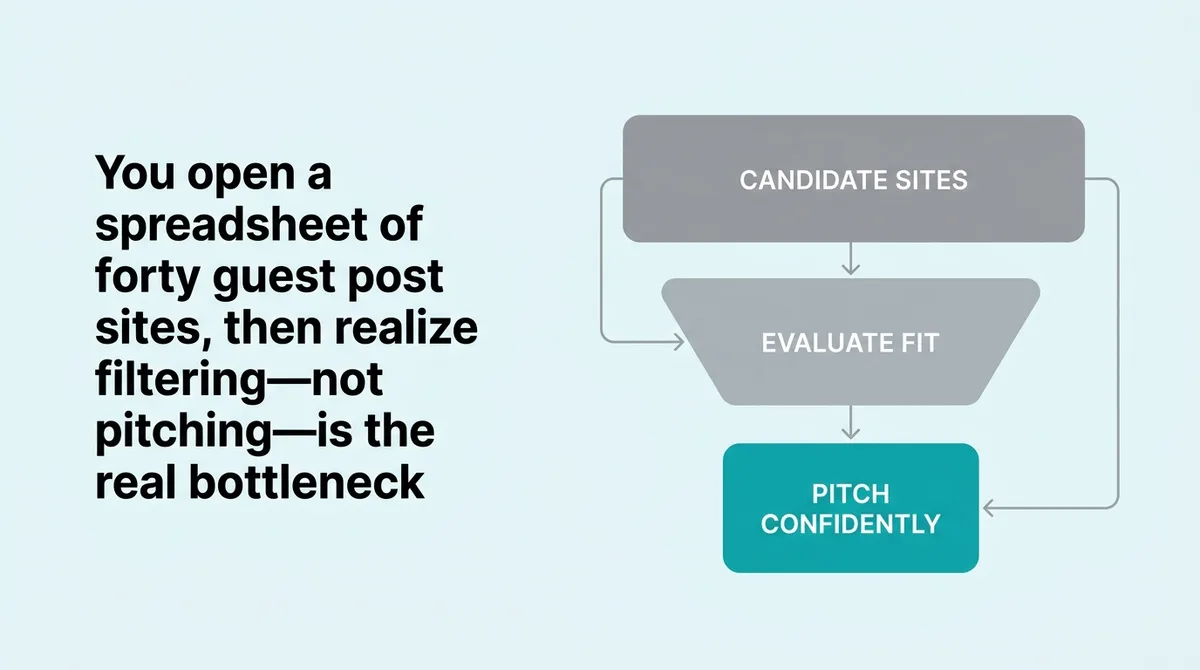
You open a spreadsheet with forty sites someone scraped from a “guest post opportunities” list. Three hours later, you’ve pitched six of them and heard nothing back. The problem was not your pitch. You targeted the wrong sites from the start.
Most people treat this as a discovery problem. They collect more sites, run more searches, buy more lists. The sites were never the bottleneck.
The real friction is filtering. Finding candidate sites takes minutes. Deciding which ones match your audience, accept your topic angle, and follow submission rules that won’t waste your draft takes a system. The Three-Layer Filter solves this. It works by removing unfit targets before you write a single sentence. Content leads, agency operators, and anyone managing multiple blogs at once can apply it in under ten minutes per site.
What is the best way to find and evaluate guest blog submission sites?
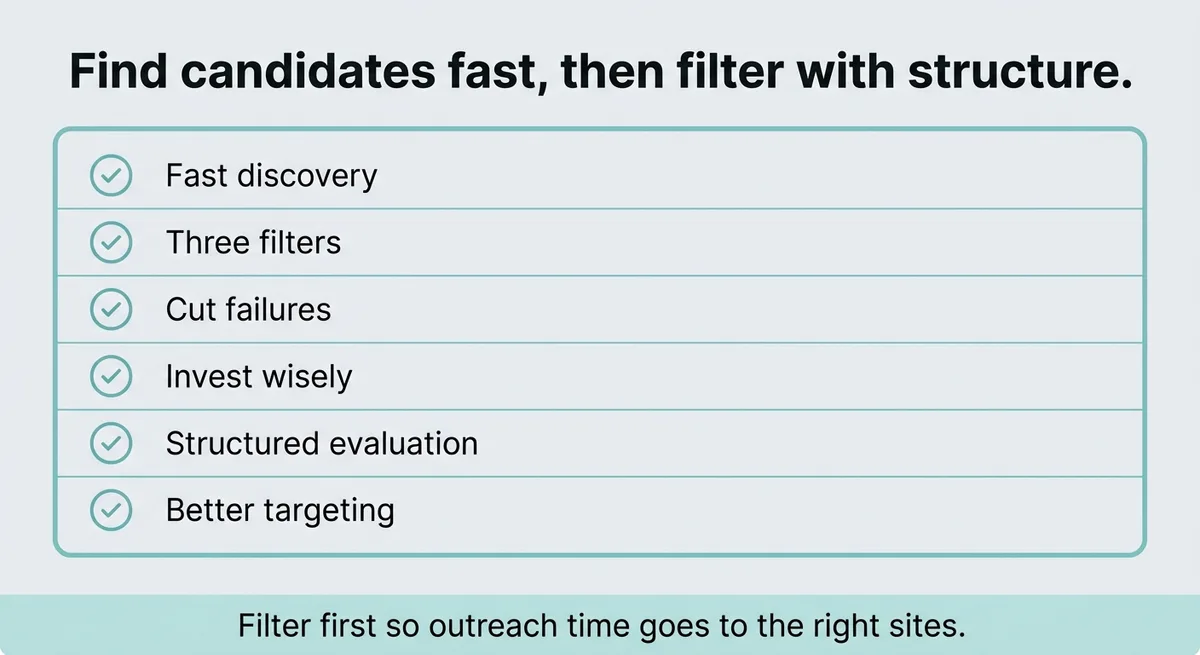
The best approach combines a fast discovery step with a structured evaluation process. You locate candidate sites through search operators and competitor backlink tools, then pass each through three filters: audience fit, topic overlap, and site health. Sites that fail any filter get cut before you invest time in outreach.
Why Most Beginners Search for Sites When They Should Be Filtering Them
The instinct is to collect more targets. Type “write for us” into Google, download a spreadsheet someone shared on Twitter, and start sending pitches. This feels productive. It is not.
Here is the false assumption worth exposing: finding more sites does not increase your acceptance rate. Pitching better-matched sites does.
About 60% of blogs publish one to five guest posts per month [1]. Editors have limited slots and they fill them quickly. They are not waiting for your pitch. They are skimming dozens of submissions and cutting anything that does not match their readers, tone, or current content gaps. A pitch that lands on the wrong site gets deleted in seconds, regardless of how well it was written.
The discovery step itself is fast. A Google search for "write for us" + [your topic] returns hundreds of results in under a minute. Pair that with a competitor backlink tool to see where others in your space have already published. You will have a raw list of candidates within thirty minutes. That list is not the work. The filtering is the work.
Stop spending your morning finding new sites. Start spending it cutting the ones that will never say yes.
A useful data point: 76% of editors planned to publish one to ten guest posts per week [2]. That sounds generous until you realize how many pitches those editors receive. The ones that get accepted match the site’s audience closely, follow the submission format exactly, and propose a topic the site hasn’t already covered twice.
The Three-Layer Filter exists to solve exactly that. It removes bad targets before any outreach begins, so every pitch you send lands on a site where acceptance is realistic.
The Three-Layer Filtering System: Audience Fit, Topic Overlap, and Site Health
The Three-Layer Filter runs in sequence. Each layer cuts a different type of bad target. You do not need to apply all three simultaneously. Run them in order and stop if a site fails early.
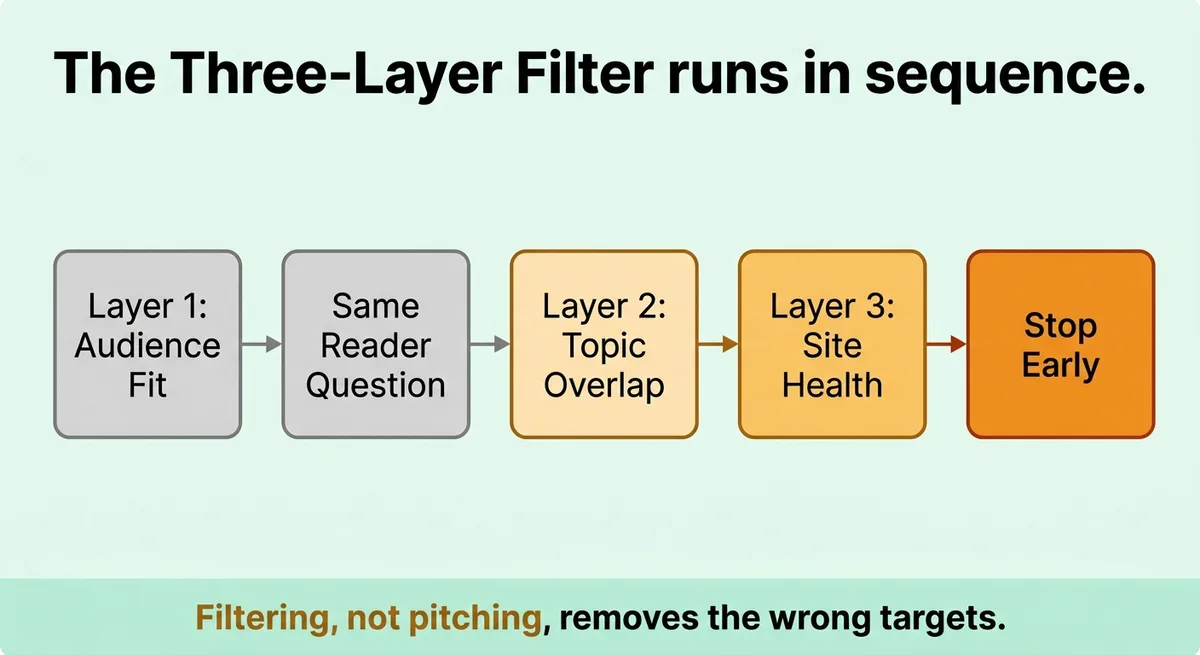
Layer 1: Audience Fit
Read the site’s last ten posts. Ask one question: does this publication write for the same people you write for? Not adjacent people. Not “overlapping interests.” The same reader. If the site covers B2B marketing strategy and your post is about SaaS onboarding flows, that is a fit. If the site covers general small business tips and your post requires readers to know what a product-led growth loop is, that is not a fit.
Guest posts are said to account for 65% of backlink acquisition [1]. That number only matters if the link comes from a site your target audience actually reads. A link from a high-traffic site with no audience overlap sends you traffic that bounces. Cut the site.
Layer 2: Topic Overlap
Check whether the site has already published your proposed angle. Most publication sites have a search bar. Use it. Type in your working headline keywords. If three similar posts exist, your pitch will be rejected as redundant. If zero exist, check whether the site has ever touched the adjacent topic. No adjacent content often means the editor has no interest in the space.
You want one to two existing posts on the broad topic. That signals interest without saturation.
Layer 3: Site Health
A site publishing guest posts does not mean it publishes valuable ones. Check domain rating using a free tool like Moz or Ahrefs’ free tier. Look at organic traffic trends. A site that peaked in 2019 and has dropped steadily since then is a poor target regardless of its domain authority number.
Typical guest post guidelines specify 800 to 1,200 words and two to four links per post [3]. Sites that allow no links, or that ask for five or more, sit outside the standard range. They often signal low editorial quality on one end or link-scheme patterns on the other.
Filter Layer | What You Check | Cut If |
|---|---|---|
Audience Fit | Last 10 posts, reader language | Audience does not match your reader |
Topic Overlap | Site search for your keywords | Zero adjacent posts or three identical posts |
Site Health | Domain rating, traffic trend, link policy | Declining traffic or non-standard link rules |
Apply this table to each candidate. A site must pass all three layers to move forward. Cut everything else without guilt.
How to Read Submission Guidelines So You Do Not Get Rejected Before You Are Read
Editors reject pitches before reading them fully. Five common causes include missing word counts, wrong link formats, pitching topics already covered, ignoring tone requirements, and submitting without a bio [1]. Every one of these is preventable by reading the guidelines correctly.
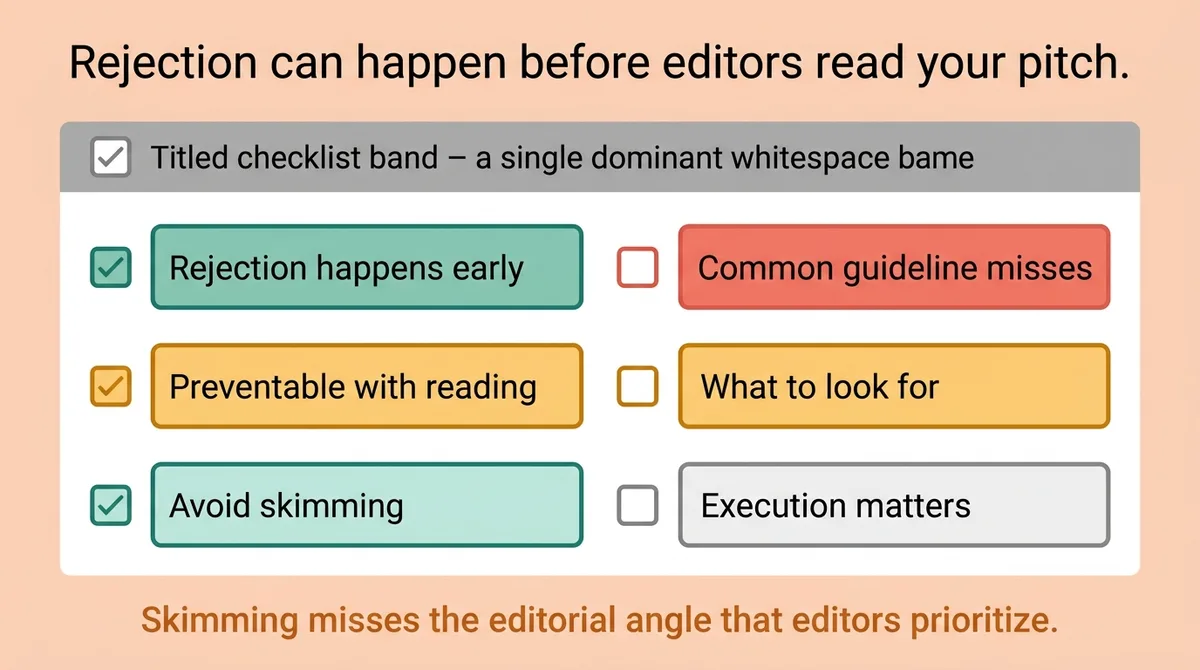
Reading guidelines sounds obvious. The execution is where people fail.
Most people skim submission pages looking for word count and email address. They miss the parts that matter most: the editorial angle the site is currently prioritizing, the type of examples editors prefer, whether they want a full draft or a topic pitch first, and how they handle rights to the content after publication.
Build a pre-submission checklist from the guidelines page. Pull out every specific requirement and convert it into a yes/no question you can answer before sending anything.
One practical caveat: some sites only accept one post per contributor per year [3]. If you are managing outreach for multiple clients, this limits how you can reuse a relationship. Log this field in your tracking system so you don’t pitch the same site twice for two different clients within the same calendar year.
Eight fields cover most submission pages:
Word count range
Link quantity and type (internal, external, dofollow, nofollow)
Draft first or pitch first
Preferred topic format (how-to, listicle, case study, data-driven)
Bio requirements (length, links allowed in bio)
Rights and exclusivity terms
Response timeline
Resubmission policy if rejected
If the guidelines do not specify one of these fields, send a single short email asking before you draft anything. This takes two minutes and prevents you from building a 1,200-word post that gets rejected for a structural reason you could have fixed on day one.
One common guideline trap: editors often list preferred topics but mean it as a floor, not a ceiling. A list of sample topics signals the site’s editorial tone. Match that tone, but propose something they haven’t covered. Pitching their exact sample topic tells the editor you did not read carefully.
Building Your Outreach and Follow-Up Workflow So Nothing Gets Lost
Pitches go cold because no one owns the next action. A pitch sent without a follow-up date attached is a pitch that will be forgotten.
The follow-up timing matters more than most people realize. Send your first follow-up one to two weeks after the initial proposal [1]. Send a second follow-up two to three weeks after that [1]. After two follow-ups with no response, mark the pitch as closed and move on. Editors who want your post will respond within that window.
Track every pitch in one place. Log the date sent, subject line, editor name, site name, and current status [1]. A simple spreadsheet works. A project management tool works better if you are managing more than three client blogs at once. Every pitch must have a visible next action with a date attached.
Here is the format that works in practice:
Field | What to Log | Why It Matters |
|---|---|---|
Site Name | Publication title | Prevents duplicate outreach |
Date Sent | Exact date | Anchors your follow-up schedule |
Status | Pitched / Follow-Up 1 / Follow-Up 2 / Accepted / Closed | Keeps next action clear |
Editor Contact | Name and email | Personalizes follow-up |
Response Timeline | Stated in guidelines | Sets realistic expectations |
One detail about email format: 46% of emails are opened on mobile devices [2]. Keep your subject line under fifty characters and your opening sentence under twenty words. An editor reading your pitch on a phone decides in three seconds whether to continue. Your first line must state the topic and why it fits their audience. Nothing else.
A content agency managing six client blogs tracked all pitches in a shared doc but logged only site names and sent dates. They had no status field and no follow-up dates. After ninety days, they had seventeen open pitches with no response and no record of whether anyone had followed up. They added a status column and a follow-up date field. Within thirty days, four of those seventeen pitches converted after a single follow-up email.
Your follow-up message should be short. Reference your original pitch by topic, confirm you are still interested, and ask if the editor needs anything to move forward. Three sentences. No apology for following up.
One structural reality: some editors take a few months to respond even when they intend to say yes [3]. This is not rejection. It is editorial queue management. Your tracking system should mark these as “pending” with a recheck date, not “closed.” If you close them prematurely, you miss the acceptance when it comes.
Build the workflow before you send your first pitch. Once you have thirty sites in progress, tracking by memory breaks completely.
Filter First, Pitch Second, and Follow Up with a System
The Three-Layer Filter is the difference between a guest posting program that produces results and one that produces effort. Discovery is fast. Filtering is the skill.
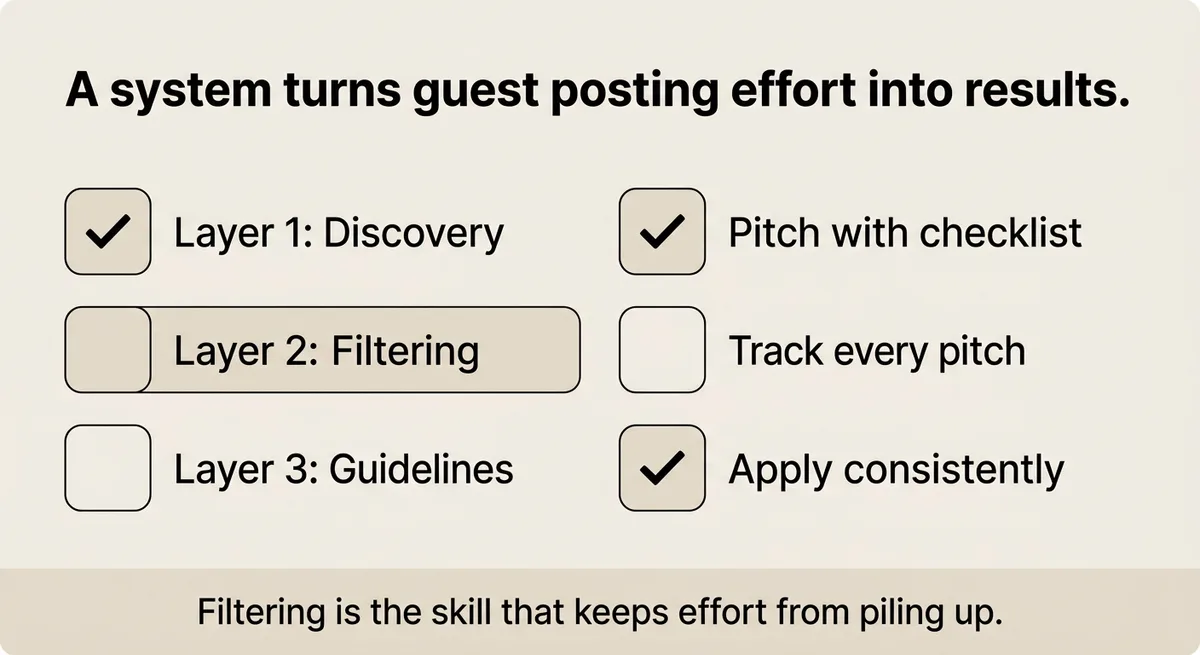
Read each site’s last ten posts. Check topic saturation. Verify site health. Build a checklist from the guidelines page before drafting anything. Log every pitch with a status field and a follow-up date attached.
None of this requires expensive tools or a large team. It requires a decision system applied consistently across every site you consider. Pitch only the sites that pass all three layers of the Three-Layer Filter. Follow up on a fixed schedule. Close pitches that don’t respond after two attempts. Use that time on better targets.
References and Citations
[1]https://serpstat.com/blog/how-to-submit-a-guest-post-to-serpstat-blog/
[2]https://www.pageonepower.com/linkarati/how-to-submit-blogs-guest-posting-dos-and-donts
[3]https://www.livewritethrive.com/guest-blogging/
FAQ
Use a two-step process: locate candidate sites with search operators like “write for us” plus your topic and competitor backlink tools, then pass each site through three filters covering audience fit, topic overlap, and site health. Audience fit means the site’s last ten posts write for the same reader you write for, not just an adjacent one. Topic overlap means one to two existing posts on your broad topic signals interest without saturation, while zero adjacent posts or three near-identical posts are both reasons to cut the site before you write a single sentence.
Build a pre-submission checklist by extracting eight specific fields from every guidelines page: word count range, link quantity and type, whether to send a draft or pitch first, preferred content format, bio requirements, rights and exclusivity terms, response timeline, and resubmission policy. Editors reject pitches for missing word counts, wrong link formats, duplicate topic angles, tone mismatches, and absent bios, all of which are listed in the guidelines if you read past the email address. If a field is missing, send one short question before drafting anything rather than guessing.
Log every pitch in one place with five fields: site name, date sent, current status, editor contact, and the response timeline stated in the guidelines, and attach a follow-up date to every open row. Send a first follow-up one to two weeks after the initial pitch, a second two to three weeks after that, and then close the pitch if there is still no reply. Teams running multiple client blogs, the kind Zelitho is built for, should treat this tracking system as mandatory before pitching more than three sites at once, because untracked pitches with no status field produce open threads with no next action attached.
Most guest post rejections happen because the pitch targets the wrong site, not because the writing is weak. Editors fill limited slots quickly and discard anything that does not match their readers, editorial tone, or current content gaps, often in seconds. The fix is filtering before outreach: cut every site where the audience does not match your reader, where your topic angle is already saturated, or where the site’s organic traffic has been declining, and your acceptance rate improves without changing a word of your pitch.
Agencies managing multiple client blogs need a shared tracking system with a status field and follow-up dates before they scale outreach, because memory and site-name-only logs break completely once thirty or more pitches are in progress. One practical rule: log whether each site limits contributors to one post per year, since reusing a site relationship across two clients in the same period will get the second pitch rejected. Zelitho’s workspace structure, which isolates keyword context and article pipelines per client, fits naturally into this kind of multi-client guest posting workflow by keeping each client’s topic research and publishing cadence separate.
bookmarked. I know I’ll forget this and need the reminder again