
How to Organize Keywords Into Blog Content Clusters

TL;DR
You exported 200 keywords from Ahrefs or Semrush. Now they sit in a spreadsheet tab labeled “blog ideas,” and your last published post is from eleven weeks ago. The keywords exist. The capacity to write is there. What broke down is the step between raw terms and actual pages.
Most people skip straight from keyword list to draft. That creates a pile of one-keyword articles that dilute each other and confuse search engines about what each page covers.
Grouping keywords by shared searcher intent before writing determines which terms belong on one page and which need their own. A single structured page can rank for hundreds of related terms. This guide walks through four concrete steps: sort your list by intent, assign each group a page role, map internal links before publishing, and schedule a review cycle. Target reader: anyone managing a content program with more keyword ideas than published posts.
What does it mean to organize keywords into content clusters?
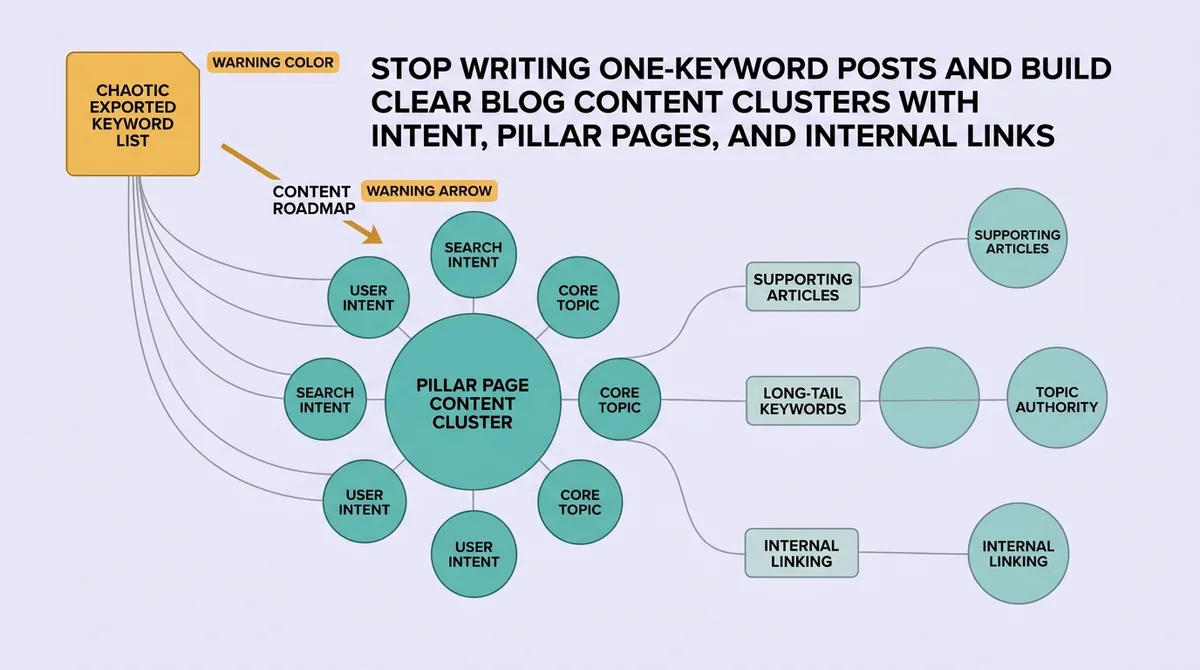
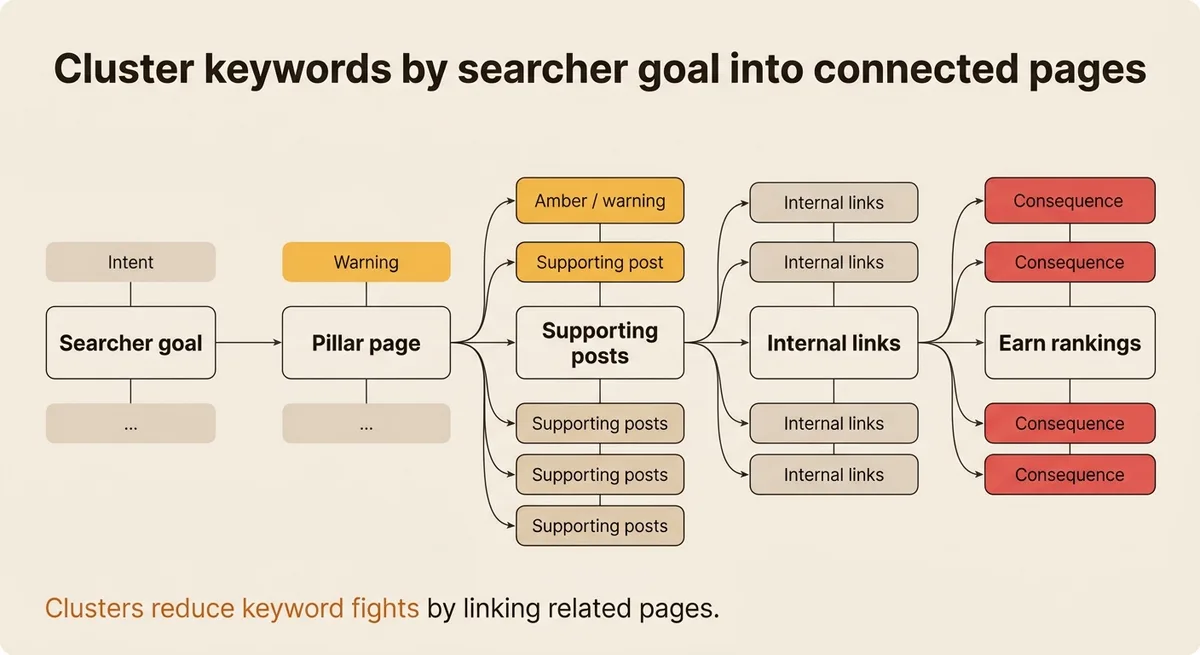
Organizing keywords into content clusters means grouping search terms that share the same searcher goal onto one page or into one tightly linked set of pages. A pillar page covers the broad topic. Supporting posts cover specific angles. Internal links connect them. The result is a structure where one page can earn rankings for many related terms instead of each term fighting alone.
Why Grouping Keywords by Intent Changes What You Build
Every keyword carries a job. The searcher typing “content cluster strategy” wants a guide. The person typing “content clustering tool comparison” wants a side-by-side review. These two people are not the same. Putting both goals on one page satisfies neither.
Search engines analyze what a page covers and compare it to what searchers actually want. When the match is strong, a single page can capture a wide range of related queries [1]. An Ahrefs study found the average top-ranking page also appears in the top 10 for nearly 1,000 other relevant keywords [1]. That result is not accidental. It reflects pages built around a clear intent, with enough depth to cover the surrounding topic space.
Intent divides into four categories: informational, navigational, transactional, and commercial [1]. Informational queries want explanation. Transactional queries want to act. Commercial queries want comparison before acting. Navigational queries want a specific destination. A keyword’s category determines the page format, the call to action, and whether a term belongs with other terms or sits alone.
Here is the sting: treating intent as optional polish is why your keyword list never turns into a publishing calendar. Intent is not a filter you apply after writing. It is the first decision that determines everything else.
An analysis of over 300 million keywords found that 91.8% of search queries are long-tail [1]. That share of volume comes from specific, intent-clear phrases. Grouping those phrases by the shared goal behind them is how a blog turns a spreadsheet into a ranked asset instead of a collection of orphaned drafts.
You Are Probably Splitting Keywords That Should Live on the Same Page
The most common mistake in keyword planning is treating every distinct phrase as a separate article assignment. A content manager sees “how to write a pillar page,” “pillar page examples,” and “pillar page template” and creates three tasks. Three separate drafts. Three publication slots. Three pages that will compete with each other for the same ranking position.
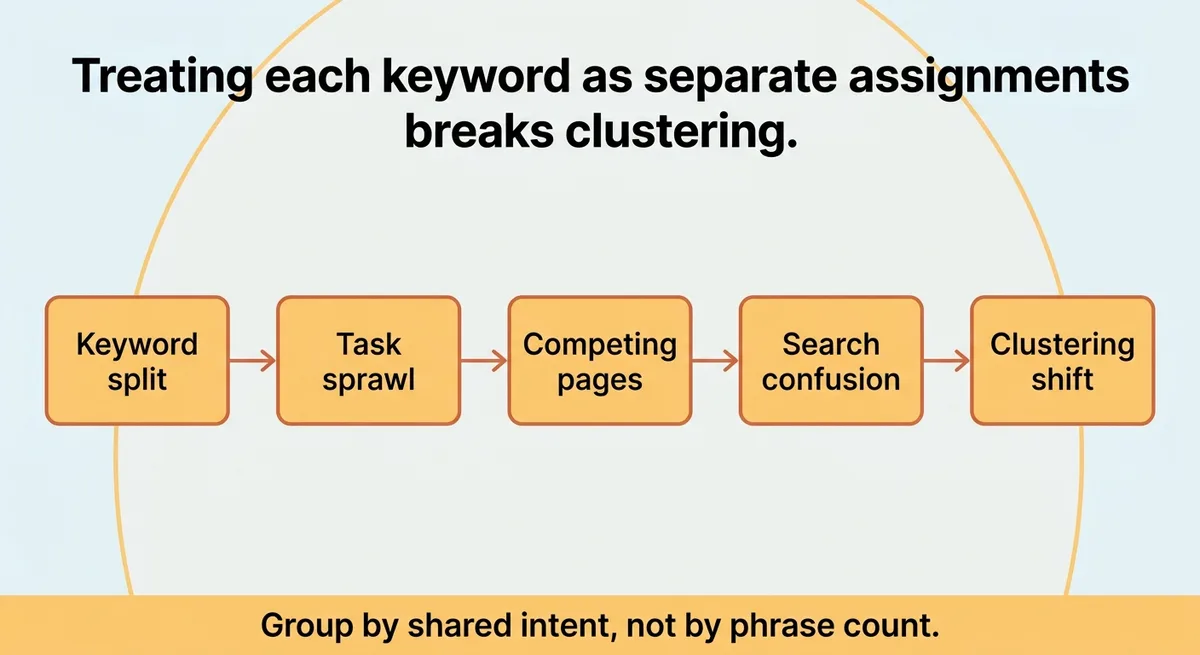
Stop creating one article per keyword phrase. Start asking whether the person searching each phrase wants the same answer.
If searchers for two different phrases would feel fully served by reading the same page, those keywords belong together [1]. A cluster can be as small as five closely related keywords or as large as fifty-plus terms when the underlying intent stays consistent [1]. The size of the cluster is not the decision. The shared goal is.
A useful check: open the top three ranking pages for each keyword you are considering splitting. If the same URLs appear across two different keyword searches, those terms almost certainly belong on one page. Search engines have already confirmed the shared intent.
| Situation | Split into separate pages | Keep on one page |
|---|---|---|
| Searcher intent | Clearly different goals | Same underlying question |
| SERP overlap | Different URLs ranking | Same URLs ranking for both |
| Content format | Guide vs. comparison vs. tool | Same format fits both terms |
For example, imagine a B2B SaaS marketing lead who builds a content calendar with forty-five keyword rows, each assigned its own article slot. After reviewing SERP overlap, twelve of those rows collapse into three pillar pages. The remaining slots become supporting posts that link back. The calendar shrinks from forty-five items to eighteen, with each page covering more intent and facing less internal competition.
The practical signal is SERP overlap. The structural fix is merging keyword rows before you assign writers.
The Four-Step Sequence From Raw Keyword List to Published Cluster
This sequence moves a raw keyword export into a publishable cluster without requiring specialized software beyond a spreadsheet.
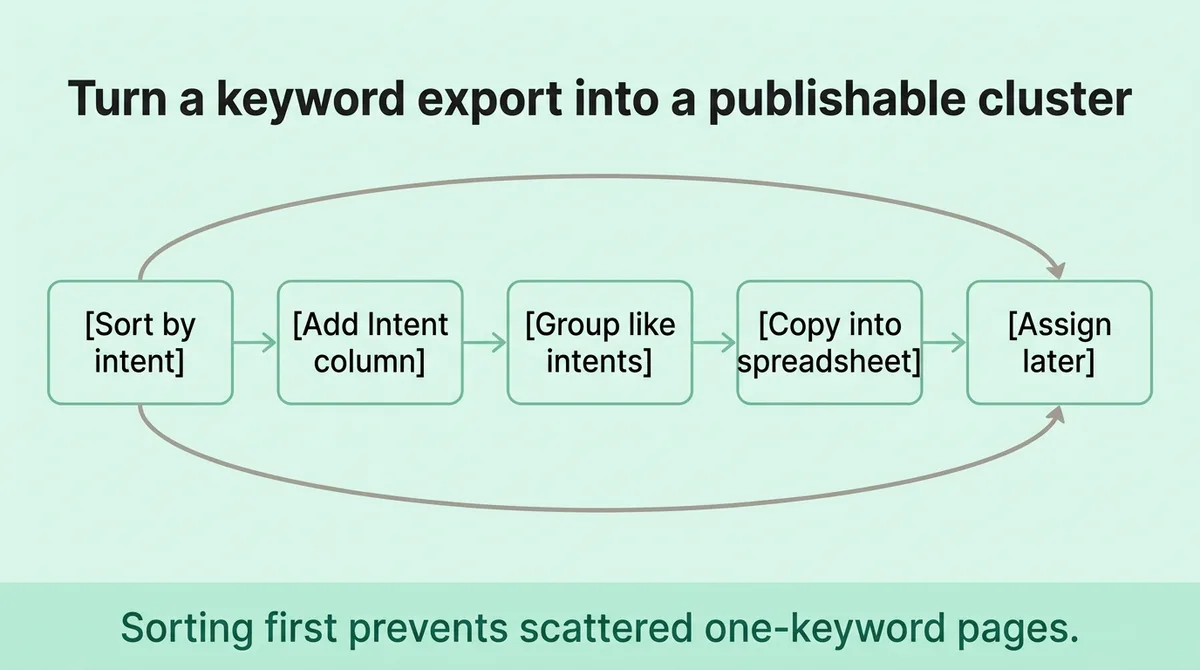
Step 1: Sort your keyword list by intent category.
Copy your keyword list into a spreadsheet. Add a column labeled “Intent.” Mark each keyword as informational, commercial, transactional, or navigational [1]. Group all informational keywords together. Group all commercial keywords together. You are not deciding which keywords to keep. You are sorting before you assign.
Step 2: Identify the pillar topic for each intent group.
Within your informational group, look for the broadest keyword. That broad term becomes the pillar page topic. Every narrower keyword that shares its intent becomes a candidate for a supporting post or a subsection on the pillar itself. The pillar page typically runs 3,000 to 5,000 words to cover the topic with enough depth to earn links and satisfy a wide range of related queries [2].
Step 3: Map internal links before publishing anything.
Write down which supporting post links to which pillar page, and which pillar page links back to which supporting posts. Do this in a column on the same spreadsheet, before any draft goes to a writer. A content hub built on 57 interlinked pages has been documented ranking for over 29,000 keywords and attracting more than 158,000 organic visitors per month [1]. That outcome follows from deliberate link architecture, not post-publication patching.
Step 4: Assign publication order based on the pillar-first rule.
Publish the pillar page first. Supporting posts published before the pillar exist without a home. Internal links from supporting posts should point to a live destination. If the pillar goes live after the satellites, the link equity has nowhere to flow during the window when new pages earn their initial crawl signals.
This four-step sequence does not require a new tool. It requires a spreadsheet with four columns: keyword, intent, cluster assignment, and internal link destination. Fill those columns before a single draft starts, and the publishing calendar builds itself.
What Skipping the Cluster Review Step Costs You Over Time
Publishing a cluster is not the end of the workflow. It is the beginning of a measurement cycle.
Search behavior shifts. A keyword that drove traffic last quarter may now face a different SERP layout, a featured snippet, or a new competitor page. Without a scheduled review, clusters drift. Pages that once ranked slide, and the content program loses ground without anyone noticing until the quarterly traffic report lands with a problem no one can explain.
The numbers on content decay are direct: 82% of blog posts see traffic drop within the first year of publication without updates [2]. Separately, 60% of content marketers cite keeping content fresh as one of their top challenges [2]. These two figures describe the same gap. Publishing without reviewing is not a stable operating mode.
A cluster review does not mean rewriting every post on a fixed schedule. It means checking three things at a set interval, quarterly for most programs:
- Has the pillar page’s target keyword moved up, held, or dropped since the last review?
- Are the supporting posts still linking correctly to the pillar?
- Have new keywords emerged that belong in this cluster but are not yet covered?
That third check is where clusters grow. A topic that started with five keywords and two supporting posts may expand as the audience searches for adjacent questions. Missing that expansion means a competitor fills the gap.
The review step also catches a common structural error: supporting posts that got published and then orphaned when a site migration or CMS update broke the internal link. A broken internal link does not trigger an alert. It simply removes the equity flow between the post and the pillar, quietly reducing the cluster’s authority.
Build the review step into the content calendar at the same time you schedule publication. A cluster without a review date is a cluster with an expiration date that no one set.
From keyword list to cluster map in one sitting
Open your keyword export. Add three columns: intent, cluster name, and internal link target. Fill them in order. When two keywords map to the same intent and the same answer, collapse them into one row. When a keyword stands alone with a distinct goal, give it its own cluster name.
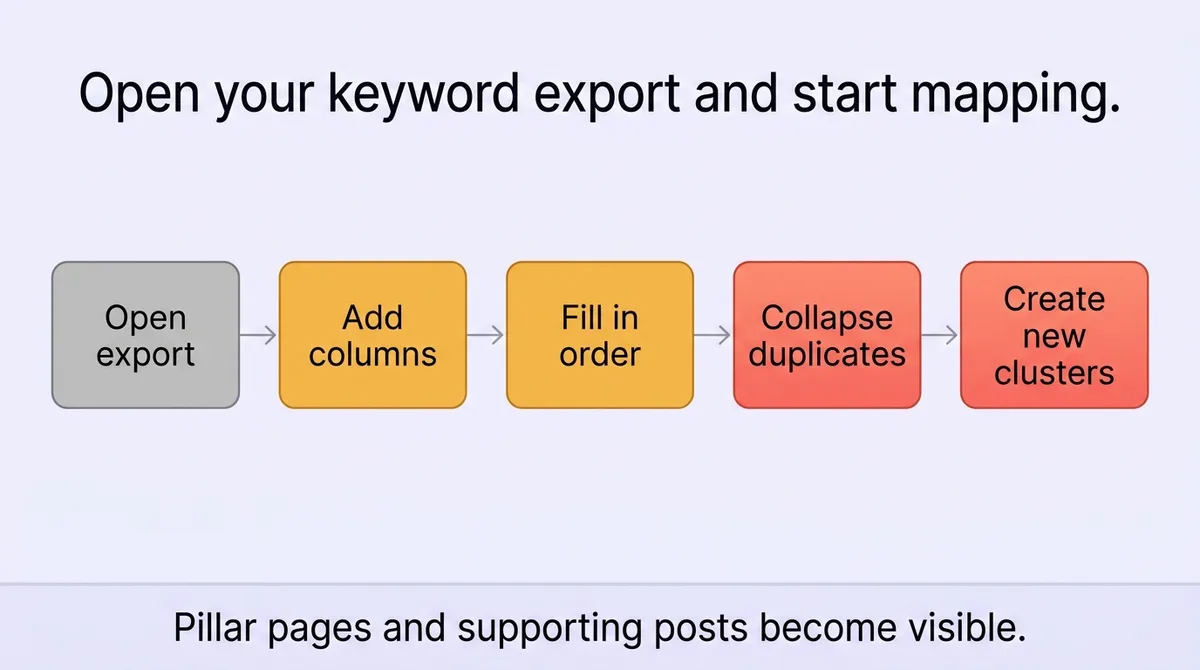
By the time you reach the bottom of the list, you have a publishing plan. The pillar pages are visible. The supporting posts are assigned. The internal links are mapped before anyone opens a document editor.
Set a quarterly calendar reminder to check each cluster’s performance. Traffic holding means the cluster is stable. Traffic dropping means one of three things: the content drifted from intent, a competitor published a stronger page, or internal links broke.
The work that ships content on cadence is not writing faster. It is deciding what each page covers before the first sentence gets written.
References and Citations
[1]https://rankai.ai/blog/a-practical-guide-to-using-a-keyword-cluster-for-seo-dominance
[2]https://www.ayokay.com/topic-clustering-how-it-can-help-your-content-marketing/
FAQ
Add three columns to your keyword export spreadsheet: intent (informational, commercial, transactional, or navigational), cluster name, and internal link target, then collapse any two keywords that share the same intent and would satisfy the same reader onto a single row. When every row is filled, the pillar pages and supporting posts are visible before anyone opens a document editor. Zelitho builds this sorting and cluster-assignment step directly into its topic-selection workflow, so the cluster map emerges from the same interface used to draft and publish the article.
A content cluster can hold as few as five closely related keywords or more than fifty, as long as every keyword in the group reflects the same underlying searcher goal. The size of the cluster is not the deciding factor; shared intent is. A useful signal is SERP overlap: if the same URLs rank in the top three for two different keywords, those keywords almost certainly belong on one page.
Supporting posts published before their pillar page exist without a live destination for their internal links, which means the link equity they generate has nowhere to flow during the critical window when new pages earn their first crawl signals. The pillar-first rule exists precisely to prevent this: the pillar goes live first so that every internal link from a supporting post points to a real, indexed page. Fixing the order after the fact requires re-crawling and re-attributing signals that were already diluted.
A quarterly review cycle is the right cadence for most content programs, checking whether the pillar page’s target keyword has moved, whether supporting post internal links are still intact, and whether new keywords have emerged that belong in the cluster. The urgency is real: 82% of blog posts see traffic drop within the first year of publication without updates. Scheduling the review date at the same time you schedule publication turns the review from an afterthought into a built-in part of the cluster workflow.
A pillar page covers the broadest version of a topic in depth, typically 3,000 to 5,000 words, and is designed to rank for a wide range of related queries while acting as the central hub that supporting posts link back to. Supporting posts cover specific angles or narrower questions within the same topic and pass link equity to the pillar through deliberate internal linking. Zelitho structures its planning workflow around this distinction, prompting users to identify cluster assignments and link targets before any draft is generated, so the architecture is decided before writing begins.