
What Is Workflow Queue Management and How Does It Work?

TL;DR
Your content calendar shows six posts scheduled. Your CMS shows two published. The gap lives somewhere between a ChatGPT draft, a freelancer waiting on feedback, and a Slack thread nobody closed. That gap has a name: unmanaged intake.
Most teams try to fix this with more tools or more follow-up messages. Neither works, because the problem is not effort. The problem is sequencing. Work arrives from multiple directions, gets sorted by whoever notices it first, and moves based on habit rather than rules.
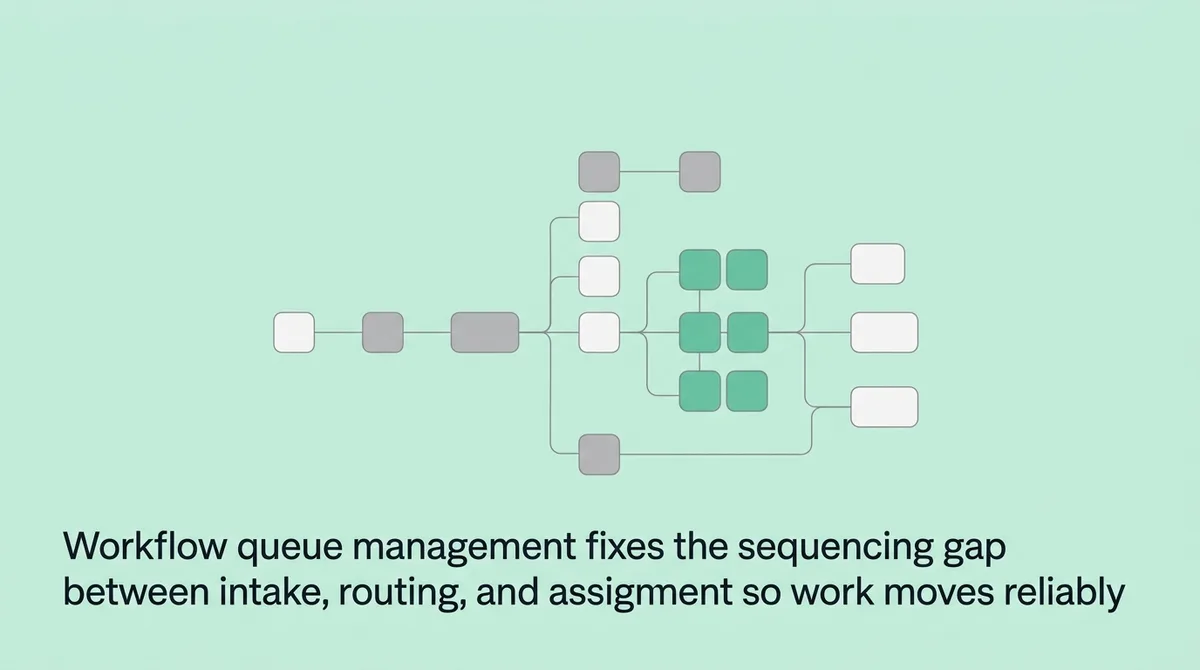
Workflow queue management is the control layer that receives incoming work, classifies it, applies priority logic, and routes it to the right person at the right time. It is built for teams handling variable volume across multiple channels, where manual coordination creates invisible backlog. This article explains how each step works and what breaks when any step is missing.
What does workflow queue management actually mean?
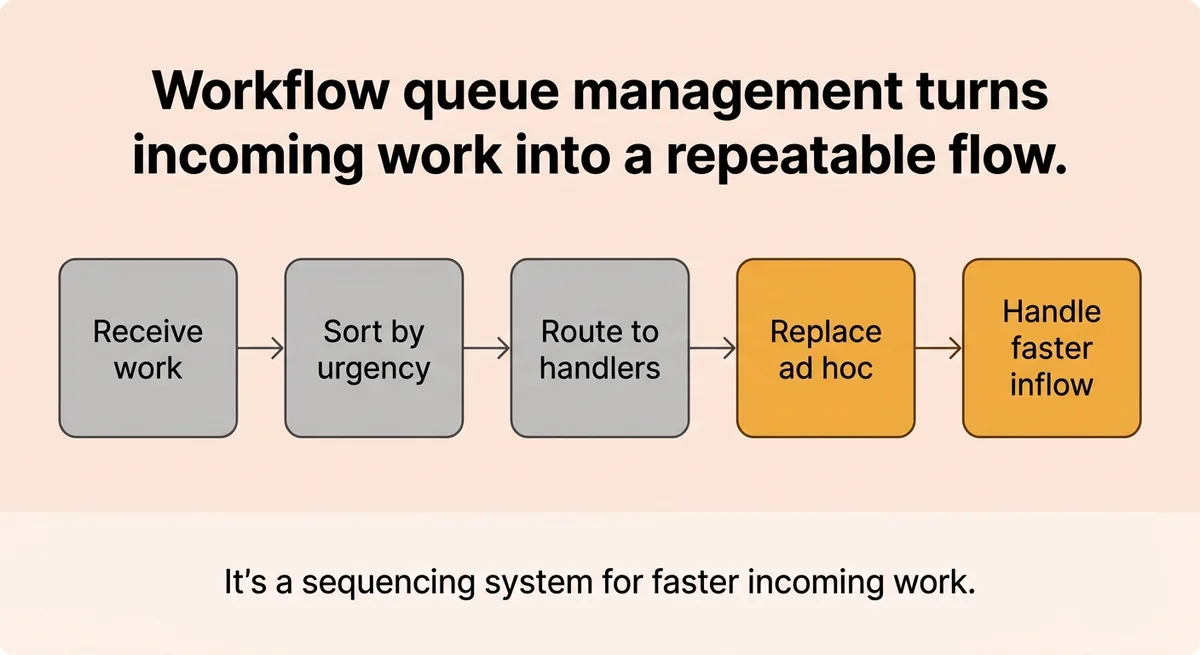
Workflow queue management is the structured process of receiving work items, sorting them by type and urgency, and routing each item to the correct handler based on defined rules. It replaces ad-hoc coordination with a repeatable sequencing system. Teams use it when work arrives faster than any individual can manually triage it.
What a Workflow Queue Actually Does (And What Most Explanations Miss)
A queue is not a waiting room. It is a sequencing engine that makes decisions before any human touches the work.
Most explanations stop at “work waits here until someone is available.” That framing misses the entire control layer operating inside the gap. The queue is where classification happens, where priority gets applied, and where routing rules determine who sees the work next.
A queue workflow has five core components: intake, classification, prioritization, routing, and assignment [2]. Remove any one of these and the system degrades into a list that someone manually sorts.
Consider a customer support team receiving 200 tickets in one hour from email, chat, phone, and web form. Without a queue layer, agents open whatever they see first. Urgent items sit unread because they arrived by a channel someone checks less often. Easy tickets resolve quickly, creating a false sense of progress while the hard ones age. No one knows the actual backlog depth because there is no single view of all incoming work.
Nearly 67% of consumers link waiting with negative emotions [1]. That reaction does not start when they contact support. It starts the moment resolution takes longer than expected. And 59% say waiting feels like wasted time [1]. The operational cause of that perception is almost always sequencing failure, not team effort.
The sting line: slow teams are rarely the problem. Unclassified intake is.
A queue solves this by treating every incoming item as a structured object. Each item carries metadata: source channel, arrival time, content type, and customer tier. The queue reads that metadata and places the item in the correct position before any agent makes a decision. The agent receives pre-sorted, pre-prioritized work. Their job is resolution, not triage.
That distinction changes how capacity gets used and how backlogs behave.
How Work Moves Through the System: Setup, Routing, and Assignment Step by Step
Trace one work item from arrival to assignment and you will find the exact step where your current setup breaks.
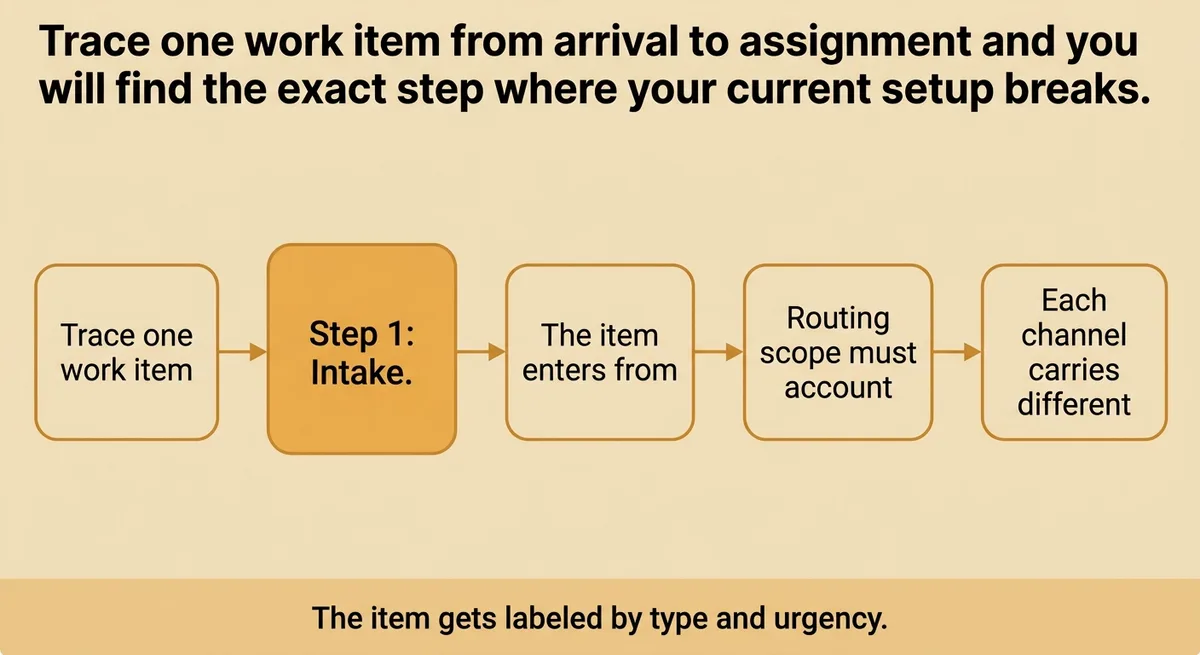
Step 1: Intake. The item enters from one of several channels. Routing scope must account for at least four distinct channels: email, chat, phone, and web form [2]. Each channel carries different metadata and different urgency signals. A system that treats all channels identically loses that signal immediately.
Step 2: Classification. The item gets labeled by type and urgency. This can be rule-based (keyword triggers, sender attributes) or model-based (content scoring). Classification determines which queue the item enters and at what position.
Step 3: Queue placement. Rules determine the item’s position within its assigned queue. A VIP customer submitting a billing issue ranks differently than an anonymous user submitting a feature request, even if both arrive at the same second.
Step 4: Routing. The item moves to a team or agent pool. Routing logic includes three threshold types for overflow handling: redirect to another queue, delay with notification, or escalate to a supervisor [2]. Without these thresholds, a queue that fills past capacity either drops work silently or stalls the entire system.
Step 5: Assignment confirmation. The item lands with a specific person or process. A handoff confirmation closes the loop. Without it, items can route to an agent who is unavailable, creating invisible limbo.
The overflow problem is real. For example, imagine an e-commerce platform processing 100 orders per second at normal volume [3]. During a flash sale, that same platform may need to handle 1,000 orders per second [3]. A system without routing thresholds either drops orders or creates a backlog that compounds faster than the team can clear it. Routing thresholds are not edge-case logic. They are standard operating conditions for any team with seasonal or event-driven volume.
The table below shows when rule-based versus dynamic routing applies:
Factor | Rule-Based Routing | Dynamic Routing |
|---|---|---|
Best fit | Stable, predictable volume | Variable or spiking volume |
Requires | Defined categories and triggers | Real-time data and scoring logic |
Risk | Rigid during edge cases | Complexity in setup and maintenance |
One short clarification: most teams start with rule-based routing and add dynamic logic as volume grows. Starting with dynamic routing before you have clean classification data creates false confidence in the system’s decisions.
Stop treating routing as “sending work to the right person.” Start treating it as a set of rules that must include overflow, fallback, and channel weighting before the first ticket arrives.
Why Skipping Priority Logic and Visibility Costs You More Than Slow Processing
The common belief is that queue problems show up as speed problems. They do not. They show up as sequencing failures where high-priority work sits while low-priority work completes first.
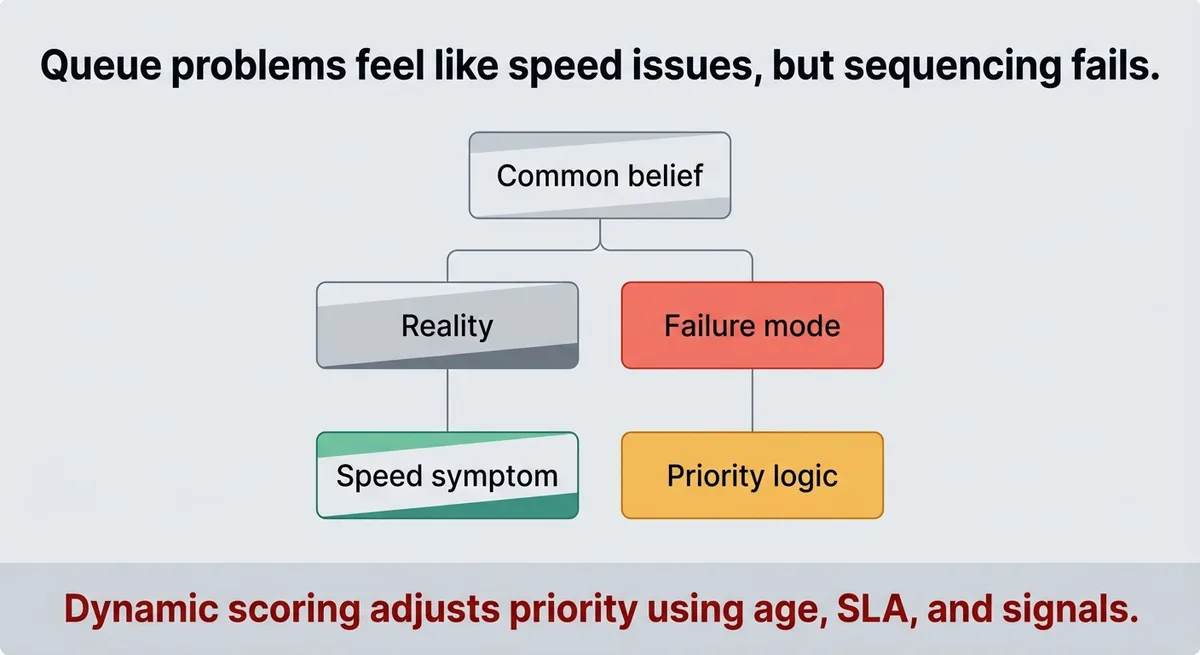
Speed is a symptom. Sequencing is the cause.
Priority handling works in two modes. Static priority assigns fixed levels by item type or customer tier. Dynamic scoring adjusts priority based on age, SLA proximity, or escalating signals. A ticket from a churning enterprise customer that has waited four hours should rank higher than a new ticket from the same tier. Static priority does not make that adjustment. Dynamic scoring does.
Workload balancing compounds the problem. Uneven assignment creates two conditions at the same time: agent burnout on one side of the team and idle capacity on the other. Both cost throughput. Both are invisible without a real-time view of queue depth by agent.
For example, imagine a team of eight agents where three handle 70% of daily volume. The team will show normal completion rates on aggregate. The dashboard looks fine. Two agents are two hours behind their SLA targets, and the team lead finds out when a customer escalates.
80% of consumers avoid businesses because of long lines or wait times [1]. Nearly 30% say they would switch to a competitor specifically to avoid lines [1]. Those are not abstract preferences. They represent revenue that leaves before a team even knows a queue is backed up.
The fix requires two things your dashboard probably does not show. First, queue depth by priority tier in real time, not total ticket count. Second, wait-time distribution by channel, not average handle time. Completion count is a lagging indicator. Queue depth is a leading one.
Priority logic is often treated as a configuration checkbox during setup. In practice, it is the mechanism that determines whether your SLA commitment is real or aspirational. If the rules that govern sequencing are vague, the SLA will fail on the exact customers who matter most.
When a Queue-Based Approach Is the Right Fit and How to Evaluate a System
Queue management fits a specific operational profile. Work arrives asynchronously. Volume varies significantly across time. Assignment should follow rules, not manual judgment call by call.
If your work is highly interdependent, requires sequential handoffs across multiple teams, or demands human judgment at every stage, queue management alone will not solve the coordination problem. That requires broader workflow orchestration, where dependencies between tasks are modeled explicitly and sequencing spans multiple processes.
Knowing which problem you have before selecting a tool saves significant time and prevents the most common implementation mistake: applying a queue-based system to a coordination problem.
Four practices anchor reliable queue operations [2]. First, define routing rules before touching any tool. Second, set overflow thresholds at realistic volume estimates, not theoretical maximums. Third, establish visibility metrics that track queue depth by tier, not just total volume. Fourth, test fallback logic before go-live, not after the first spike.
Integration scope is a real selection criterion. One platform connects with over 3,000 apps and tools [1]. That number matters because a queue system that cannot read data from your CRM, your ticketing tool, or your communication channels cannot make accurate routing decisions. Integration is not a feature list item. It is the data pipeline that makes classification and routing possible.
Before selecting any system, check these five things:
- Intake channel support: Does it accept work from every channel your team uses?
- Priority rule flexibility: Can you configure dynamic scoring, or only static levels?
- Overflow handling: What happens when capacity is exceeded?
- Real-time monitoring: Can you see queue depth by priority tier, not just total count?
- Integration with existing tools: Does it connect to your current CRM and communication stack?
One implementation caveat worth naming: if your team cannot write down the routing rules you want to enforce before you open the tool, the tool will not help. The logic gap does not disappear inside software. It becomes harder to find because it looks like a configuration problem rather than a design one.
Queue Management Is a Decision System, Not a Waiting Room
Every queue holds work. What separates a managed queue from an unmanaged list is the decision logic operating between arrival and assignment.
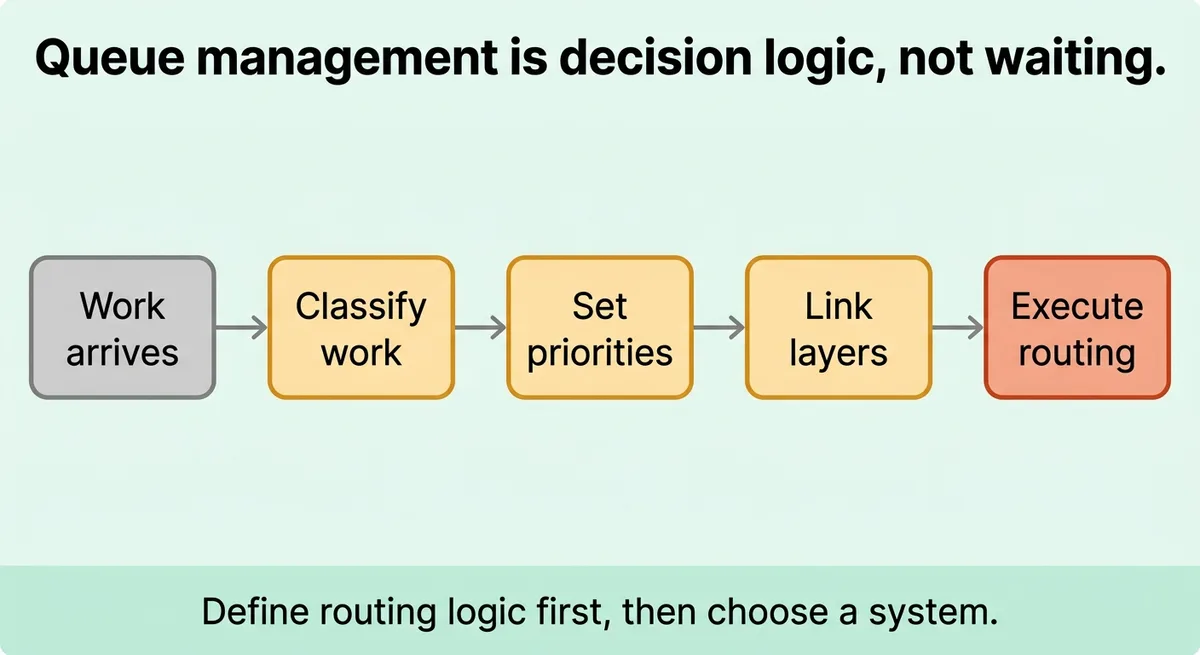
Intake without classification creates noise. Classification without priority rules creates false order. Priority rules without visibility create confidence in a system that is already failing. Each layer depends on the one before it.
The teams that manage queues well did not buy better software. They defined their routing logic first, then found a system that could execute it.
A queue that cannot show you real-time depth by priority tier is giving you a lagging report, not a control panel. You are reacting to what already happened, not managing what is happening now.
Your queue either sequences work by design or by accident. Choose which one before the next volume spike makes the choice for you.
References and Citations
[1]https://waitwhile.com/blog/6-best-queue-management-systems-software/
[2]https://decagon.ai/glossary/what-is-queue-management
[3]https://temporal.io/blog/reliable-data-processing-queues-workflows
FAQ
Workflow queue management is the structured process of receiving work items, classifying them by type and urgency, and routing each item to the correct handler based on defined rules, replacing ad-hoc coordination with a repeatable sequencing system. It operates across five core components: intake, classification, prioritization, routing, and assignment. Remove any one of these layers and the system degrades into a manually sorted list where high-priority work sits behind low-priority items that happened to arrive first.
Without priority logic, high-urgency work sits idle while low-priority items resolve first, creating sequencing failures that show up as SLA misses rather than speed problems. A team of eight agents can show normal completion rates in aggregate while two agents fall two hours behind their targets, and the team lead only discovers this when a customer escalates. Static priority rules cannot adjust for signals like customer churn risk or ticket age, which is why dynamic scoring matters for any team with variable volume or tiered customer commitments.
Rule-based routing assigns work using predefined categories and keyword triggers, making it reliable for stable, predictable volume, while dynamic routing adjusts assignments in real time using scoring logic tied to live data signals like SLA proximity or escalating customer behavior. Rule-based routing is rigid during edge cases and can fail when item types fall outside defined categories. Most teams start with rule-based routing and layer in dynamic logic only after classification data is clean and volume patterns are well understood.
Queue overflow should be handled through three pre-configured threshold types: redirect to another queue, delay with notification, or escalate to a supervisor, all set before volume spikes occur rather than after. A system without these thresholds will either drop work silently or stall entirely, as the example of an e-commerce platform jumping from 100 to 1,000 orders per second during a flash sale illustrates. The same principle applies to content production workflows: teams using a platform like Zelitho benefit from routing logic built into the publishing pipeline so that article assignments and editorial stages do not pile up invisibly when output volume increases.
Before selecting a queue management system, verify five things: whether it accepts work from every channel your team uses, whether it supports dynamic priority scoring rather than only static levels, how it handles overflow when capacity is exceeded, whether it shows real-time queue depth by priority tier rather than just total count, and whether it integrates with your existing CRM and communication stack. Integration is not a feature list item; it is the data pipeline that makes accurate classification and routing possible, and one platform connecting with over 3,000 apps illustrates why breadth matters. For teams whose bottleneck is content production rather than customer-facing ticketing, Zelitho addresses a parallel sequencing problem by connecting keyword selection, drafting, editing, and CMS publishing into one workflow so that routing and handoff failures do not stall the publishing cadence.