
How to Edit On-Page SEO Before Publishing a Page

TL;DR
You open the CMS draft. The freelancer submitted it three days late. The ChatGPT outline is pasted in, the title tag field is blank, and your content calendar shows this post was due last Tuesday. You hit publish anyway.
Most teams treat SEO as a cleanup task. They fix the title tag after the page indexes, add alt text a month later, and wonder why the post never ranks. The page was already crawled with the wrong signals baked in.
A pre-publish review changes the order of operations. You confirm keyword placement, title length, heading structure, and load signals while the page is still a draft. No indexing penalty to recover from. No bounce rate spike from a slow image that shipped uncompressed. This guide is for content leads and agency operators who need a repeatable sequence, not a post-launch repair list.
What does a pre-publish SEO review actually check?
A pre-publish SEO review covers three distinct layers before a page goes live: content signals, source code, and site structure [1]. Each layer can fail independently. A page can have strong body copy and a broken canonical tag. It can have a perfect title tag and keyword density that drops to zero after the first paragraph.
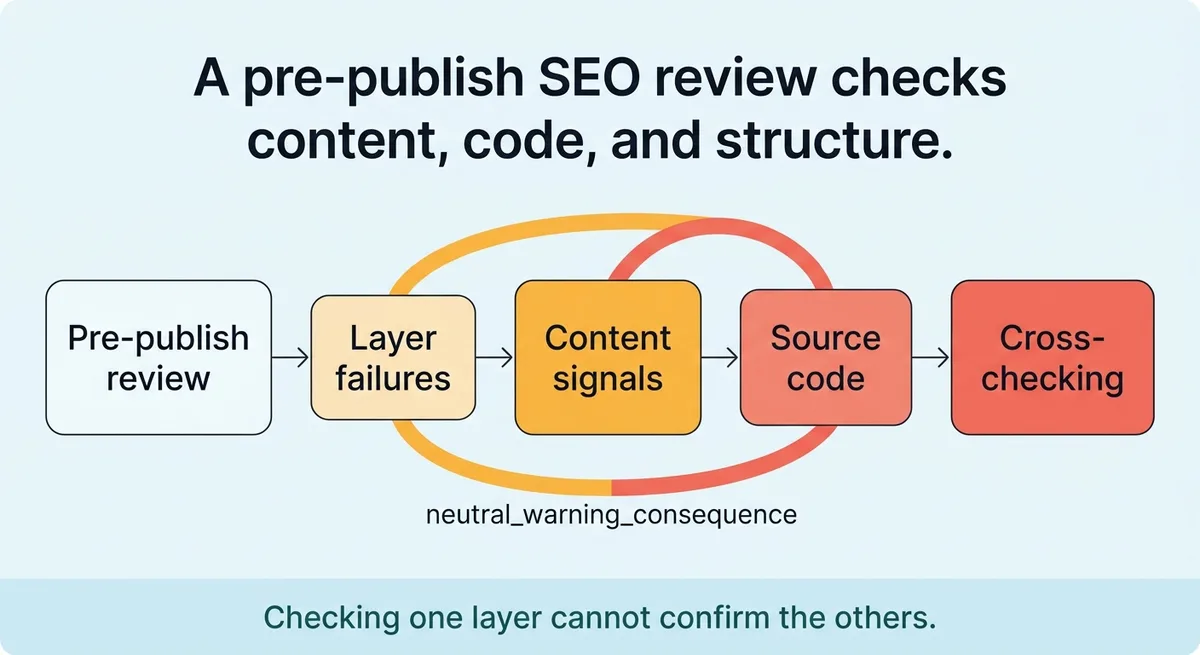
Checking one layer does not confirm the others.
What You Are Actually Checking Before You Hit Publish
On-page SEO is not a single field you fill in before clicking publish. It is a multi-layer review spanning what visitors read, what crawlers parse in the source code, and how the page fits within your site’s structure [1].
Most teams check one layer and skip the other two. They write strong body copy, remember to fill in the meta description, and ship the page. They miss the fact that the image files are 4MB each, the H1 is duplicated from a template, or the internal links point to a redirect chain. The page indexes, gets crawled, and starts ranking below where it should.
Seven distinct areas require review before a page goes live [2]. These are not cosmetic. They affect how a crawler assigns topic relevance, how a user decides whether to stay on the page, and how quickly the server responds.
Review Area | What It Covers | Common Miss |
|---|---|---|
Content signals | Keyword placement, body depth, readability | Keyword appears only in the H1, not the body |
Metadata | Title tag, meta description | Title exceeds character limit, description is auto-generated |
Heading structure | H1 through H6 hierarchy | Two H1s pulled in from a page template |
Internal linking | Anchor text, destination page relevance | Links to redirected URLs from older posts |
Image optimization | File size, alt text, format | Raw PNG files shipped without compression |
Technical signals | Canonical tag, robots directive | Noindex tag left on from staging |
Load performance | Page weight, server response | Render-blocking scripts left in the header |
Stop treating on-page SEO as a single checklist item. Start treating it as a gate the page must pass through before it earns the right to go live.
Each area in that table represents a decision point. A page that fails two or three of them does not rank the same way as a page that passes all seven. The gap compounds over time.
The Pre-Publish Sequence: Content and Metadata Checks in Order
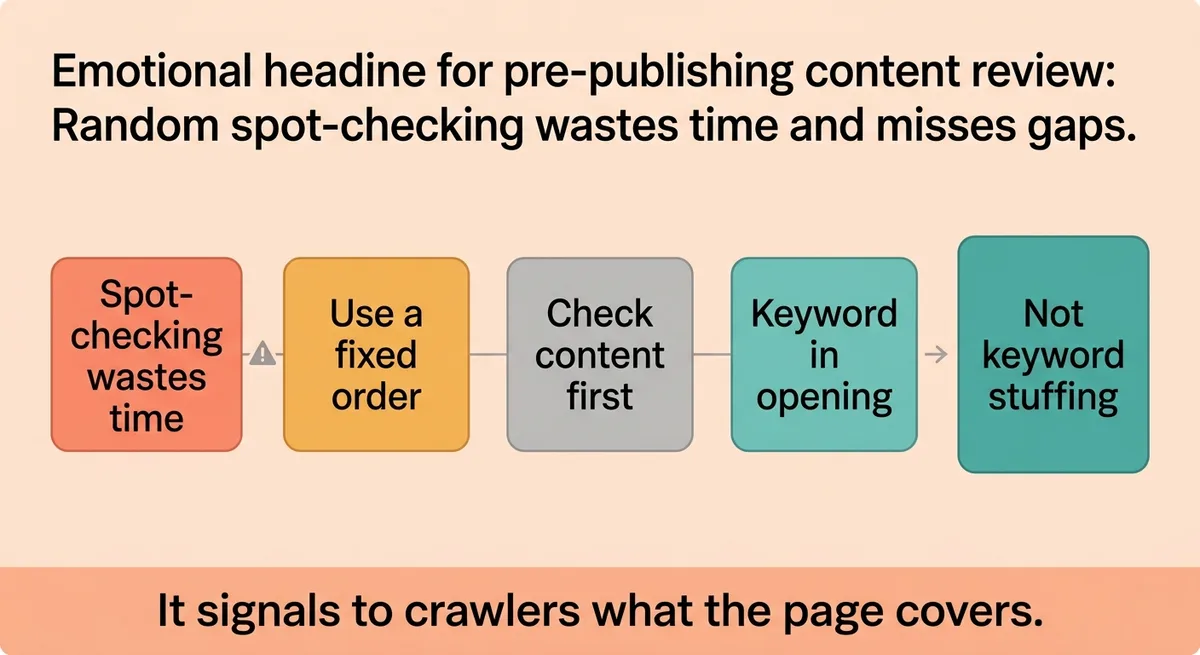
Random spot-checking wastes time and misses gaps. Run the review in a fixed order so nothing slips through between handoffs. Start with content, move to metadata, then confirm structure.
Step 1: Keyword placement in the opening block
Your target keyword must appear within the first 100 to 150 words of the body [1]. This is not about stuffing. It signals to crawlers what the page covers before they parse the rest of the content. If a freelancer wrote the intro as a warm-up paragraph with no keyword, rewrite the first two sentences before publishing.
Check keyword density across the full body. A 1 to 2 percent density is the functional range [1]. A 2,500-word post should contain the primary keyword roughly 25 to 50 times across its variations. Go above that and the page reads as forced. Go below and the topical signal weakens.
Step 2: Title tag
Keep the title tag under 70 characters [1]. Anything longer gets truncated in search results, and the cut usually happens mid-phrase, which breaks the message. Count the characters. Do not eyeball it.
A recommended length to stay under is 70 characters [2]. Both sources align on this. Make the target keyword appear near the front of the tag, not buried at the end.
Step 3: Meta description
Write the meta description to around 150 characters [2]. This is not a ranking signal, but it is a click signal. A blank or auto-generated description tells a searcher nothing. Write one sentence that matches the page’s actual argument.
Step 4: Heading structure
Each page gets exactly one H1 [1]. A CMS that pulls in a site-wide header template can duplicate the H1 if the template is misconfigured. Confirm the page source shows only one H1 tag before publishing.
Heading levels run from H1 to H6 [2]. Use them in logical order. An H4 that appears before any H3 creates a structural gap that disrupts both readability and crawl logic. Walk the heading order top to bottom and confirm there are no skipped levels.
Step 5: Body depth
A minimum body length of around 2,000 words gives a page enough surface area to cover a topic with depth [2]. This is not a rigid rule for every content type. A product page operates differently than an editorial post. For competitive informational queries, a thin page loses to a thorough one on most measured signals.
For example, imagine a content team publishing a 600-word post targeting a mid-funnel query in a competitive SaaS category. The post has a clean title tag and strong keyword placement. Three months later it sits on page four. The competing posts average 1,800 words and cover three subtopics the short post skipped entirely. Expanding the post to 1,900 words and adding two supporting H2s moves it from page four to page two within six weeks. The fix was available before publish. It was not taken.
Run these five steps in order on every draft. Build them into the handoff checklist your freelancers or in-house writers use before they mark a piece as ready.
Why Skipping These Checks Before Launch Creates Problems You Cannot Undo Quickly
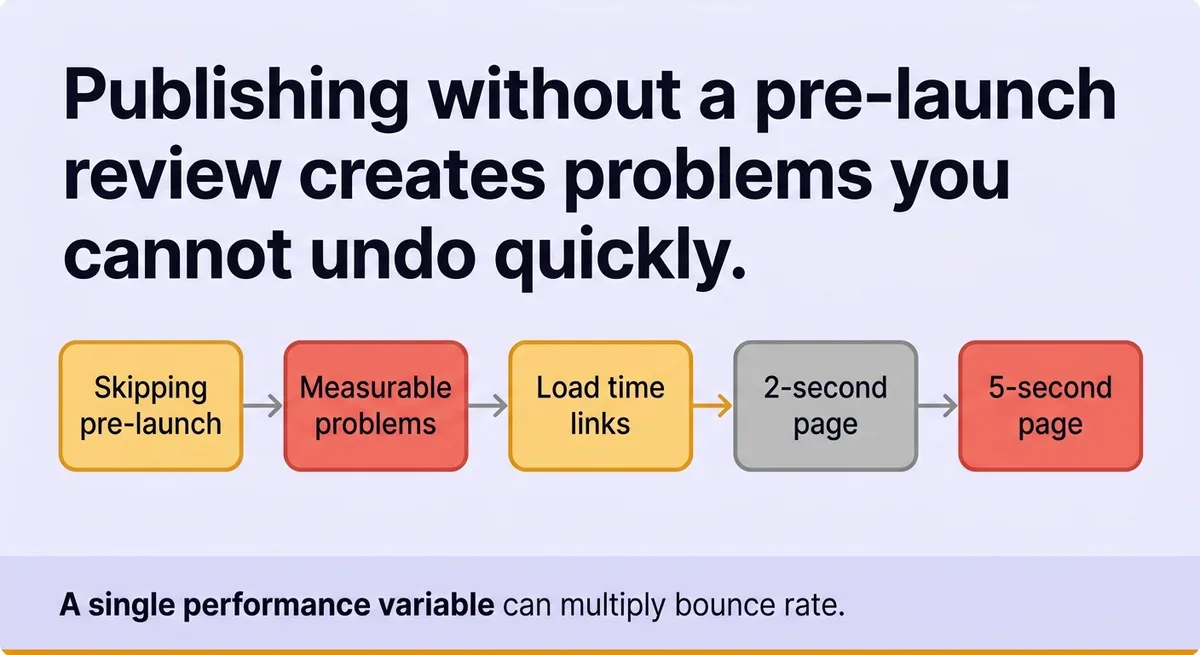
Publishing without a pre-launch review does not just delay ranking. It creates specific, measurable problems that take time and effort to reverse.
Load time and bounce rate
Page load time has a direct relationship with bounce rate. A page that loads in 2 seconds carries roughly a 9 percent average bounce rate [1]. Push that load time to 5 seconds and the bounce rate climbs to 38 percent [1]. That is a four-times increase from a single performance variable.
An uncompressed image file, a render-blocking script, or a slow server response can push a page past the 5-second threshold. If the page indexes at that load speed, Google observes the bounce behavior from early traffic. That signal feeds back into ranking calculations. Fixing the image after the fact helps, but the early behavioral data already exists.
Penalty paths after indexing
Two main ranking penalty paths exist after a page goes live: a manual action and an algorithmic drop [1]. A manual action comes from a human reviewer at Google flagging a quality or policy issue. An algorithmic drop happens when a core update recalibrates how the ranking system weights certain signals.
Both take time to recover from. A manual action requires a reconsideration request. An algorithmic drop may not reverse until the next update cycle runs, which can be months away. Catching a thin content issue or a keyword stuffing problem before publish avoids both paths entirely.
The indexing window problem
Once a page indexes, Googlebot forms an initial impression of it. That impression influences early ranking position. If the page ships with a weak title tag, a missing keyword in the opening block, or a slow load time, the crawler’s first read reflects those gaps. Fixing them after the fact requires the page to be recrawled and re-evaluated. That process is not instant.
The practical cost is weeks of ranking underperformance on a page that could have launched correctly the first time.
The Belief That Is Slowing You Down: SEO Is Something You Fix After Publishing
The false assumption is that SEO is a layer you apply to a page after the content is done. It is not. A page’s SEO profile begins forming the moment a crawler first fetches it.
Content teams that treat SEO as a post-publish task run a predictable pattern. The writer submits a draft. The editor approves it for accuracy and tone. Someone adds the meta description the day after launch. The alt text gets filled in during a quarterly audit. Each of these delays means the page indexed without those signals in place.
A keyword density of 1 to 2 percent is a pre-publish target, not a post-publish correction [1]. A title tag under 70 characters is a pre-publish confirmation, not an afterthought. These are not optimization tweaks. They are the baseline the page needs before it earns any crawl equity.
The publish-gate mindset replaces the cleanup habit. A page is not ready to ship until it passes the full review sequence. This is not a creative constraint. It is a structural one. A page that ships with clean metadata, confirmed heading hierarchy, correct keyword placement, and optimized images costs nothing extra to produce. A page that ships without those elements requires a recovery cycle that compounds across every post in a stalled content calendar.
A recommended minimum content length sits at around 2,000 words for pages targeting competitive queries [2]. That number is not arbitrary. It reflects the depth required to cover a topic completely enough to satisfy both the searcher and the crawler. A page that hits that threshold at the draft stage, before publish, does not need a content refresh three months later.
“Stop treating the publish button as a starting line. Start treating it as the finish line.”
Every post your team ships without a pre-publish review starts its ranking life with a deficit. Some deficits recover. Many do not, because the team moves to the next post and the underperforming one never gets the cleanup pass it needed.
Build the review into the workflow before the draft reaches the CMS publish queue. Assign it to a specific role. Make it the last step a piece of content completes before going live. That one change removes the recovery cycle from your production calendar entirely.
Your pre-publish SEO review is the last line of defense before ranking begins
A page that ships clean ranks from a position of strength. A page that ships with gaps starts in a hole that takes weeks or months to climb out of.
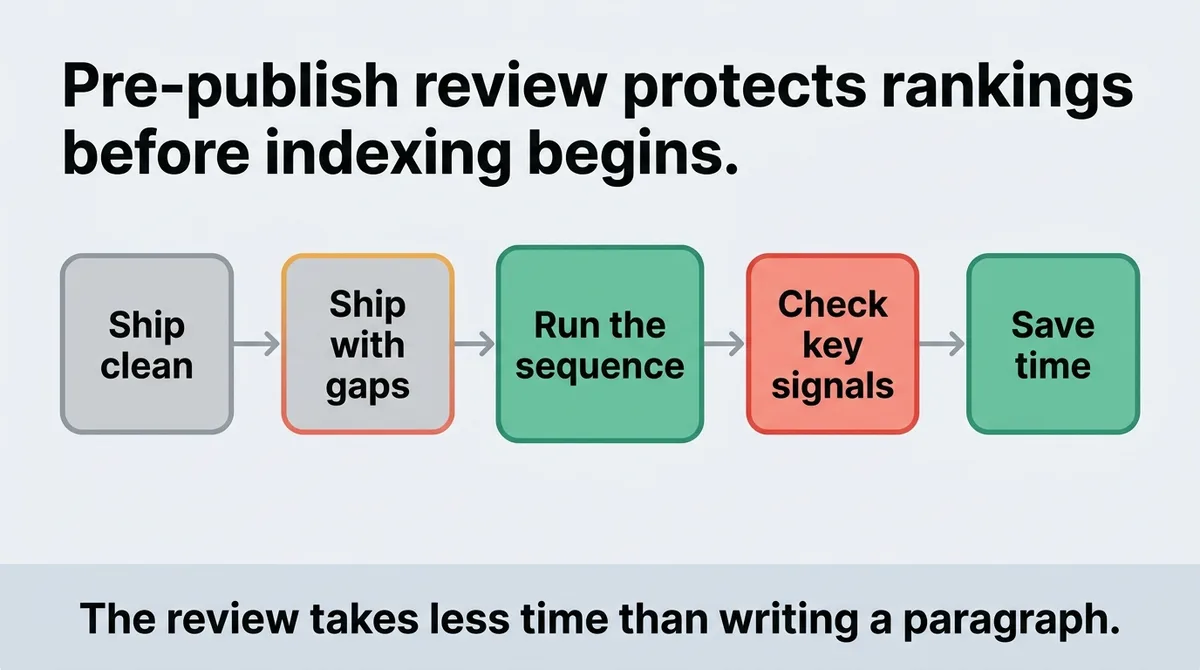
Run the sequence on every draft. Check content placement, metadata limits, heading order, and load signals before you touch the publish button. The review takes less time than writing a single paragraph. The alternative is a content calendar full of pages that underperform and a backlog of fixes that never get done.
Your next publish is the right time to start.
References and Citations
[1]https://www.kalungi.com/blog/a-complete-guide-to-on-page-seo-with-checklist
[2]https://donebynine.com/learn/the-fundamental-checklist-you-need-to-complete-today/
FAQ
Before publishing, check seven areas in order: keyword placement in the first 100 to 150 words, title tag length under 70 characters, meta description around 150 characters, a single H1 with logical heading hierarchy, body depth of at least 2,000 words for competitive queries, image file size and alt text, and technical signals like the canonical tag and robots directive. Missing even two or three of these areas produces a measurable gap in ranking performance compared to a page that passes all seven. Run them as a fixed sequence on every draft rather than spot-checking, so nothing slips through between handoffs.
Publishing without a pre-launch SEO review locks in weak signals from the moment Googlebot first crawls the page, and those early signals influence the initial ranking position before you have a chance to fix anything. A page with a slow load time at launch, for example, can see bounce rates climb from roughly 9 percent at 2 seconds to 38 percent at 5 seconds, and that behavioral data feeds back into ranking calculations even after you fix the underlying issue. Recovering from a thin content flag or an algorithmic drop can take months, because an algorithmic correction may not reverse until the next update cycle runs. The practical cost is weeks or months of underperformance on a page that could have launched correctly the first time.
Fix on-page SEO issues before indexing by treating the publish button as a finish line rather than a starting line, running a structured five-step review on every draft while it is still in CMS draft status. The sequence covers keyword placement in the opening block, title tag character count, meta description copy, heading order, and body depth, all confirmed before the page goes live. Platforms like Zelitho build this kind of pre-publish optimization into the drafting workflow itself, so keyword placement, heading structure, and metadata are addressed during article generation rather than as a separate cleanup pass after the content is already written.
For competitive informational queries, a minimum of around 2,000 words gives a page enough surface area to cover a topic with the depth crawlers and searchers both expect. A real-world example makes the stakes concrete: a 600-word post targeting a mid-funnel SaaS query sat on page four for three months, while competing posts averaged 1,800 words and covered subtopics the short post skipped entirely. Expanding to 1,900 words and adding two supporting H2 sections moved the post from page four to page two within six weeks, a fix that was available before publish but was not taken.
Yes, content automation platforms can embed on-page SEO checks directly into the drafting and publishing workflow so writers never encounter them as a separate manual step. The core benefit is removing the handoff gap where title tags get skipped, images ship uncompressed, and heading hierarchy breaks because no one ran the review before clicking publish. Zelitho is built around exactly this model, connecting topic selection, keyword-informed draft generation, on-page editing, and direct CMS publishing into one workflow so that signals like keyword placement, metadata length, and heading structure are addressed inside the production process rather than as a post-launch repair list.