
What Is the Best AI Search Tool for Research and Work?

TL;DR
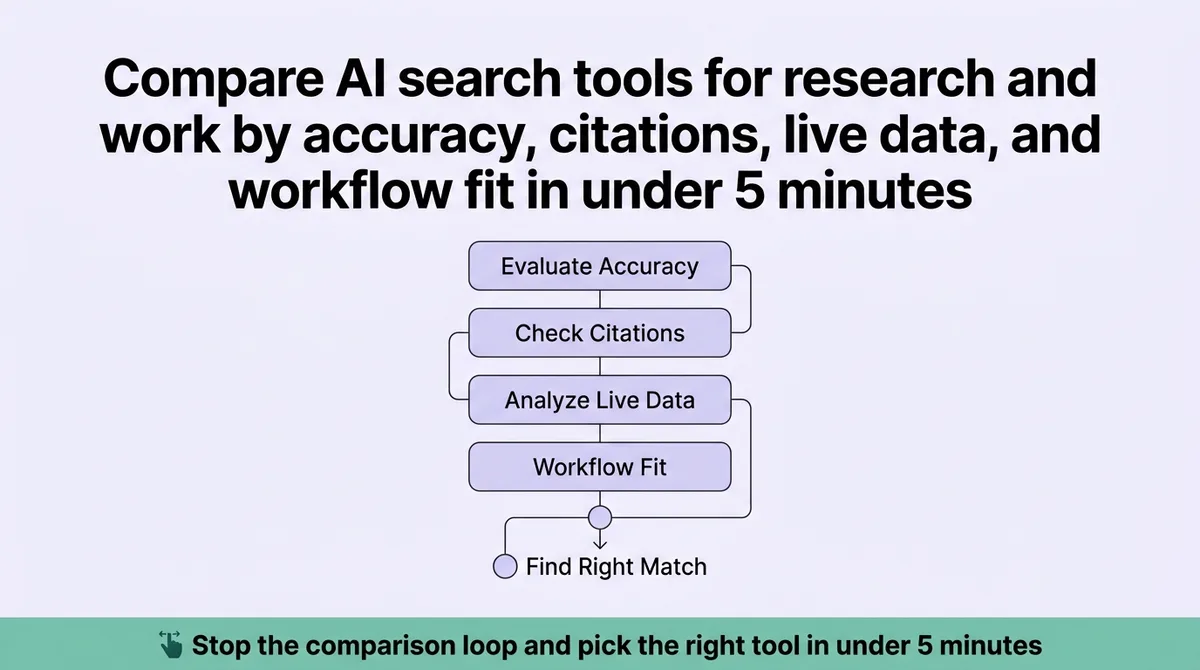
You opened a tab to find the best AI search tool. Now you have seven tabs open, three Reddit threads half-read, and no decision made. The comparison loop is costing you time you do not have.
Most comparisons treat these tools as faster versions of each other. They are not. Perplexity handles threaded research. Consensus targets peer-reviewed literature. Microsoft Copilot runs inside your existing productivity suite. Brave Search gives you live web grounding without data harvesting. Each was built for a different task.
The Source-Use-Trust framework separates these tools by three variables: whether you need cited sources or synthesized answers, whether you work inside a productivity suite or standalone, and how much the tool grounds its output against real-time data. This article maps each tool to a specific user profile. It is written for content leads, agency founders, and research-heavy operators who need a clear answer, not another feature list.
What AI Search Actually Means and Why the Category Splits in Two
Every tool in this category calls itself an AI search engine. That label covers two very different things.
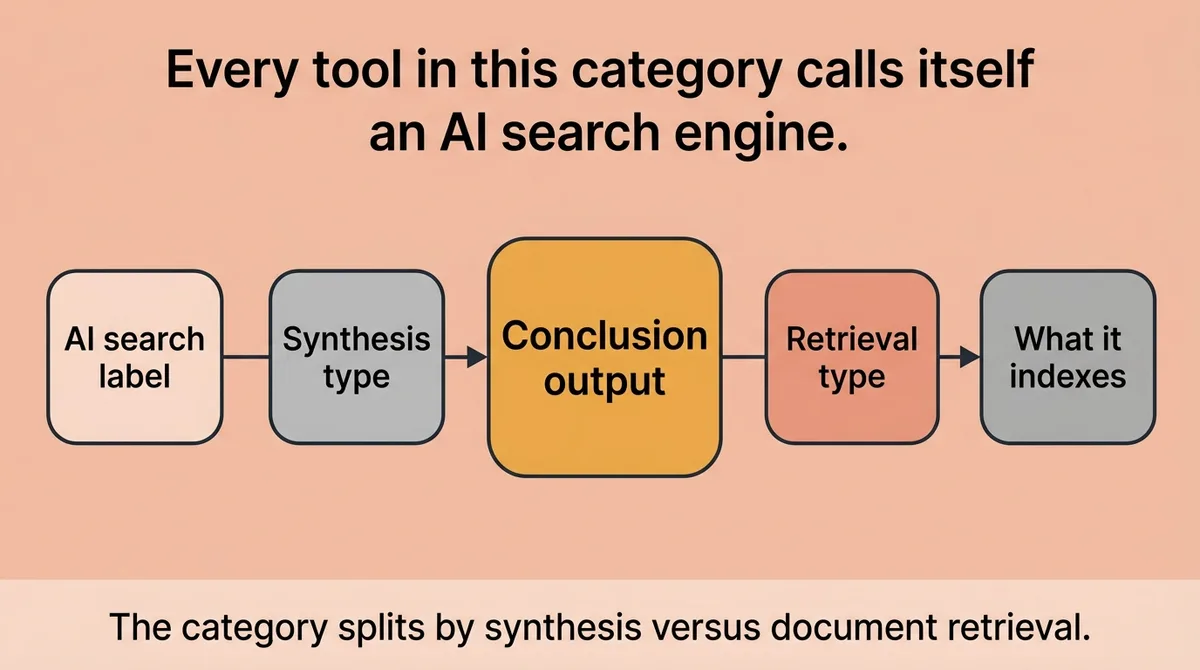
The first type synthesizes an answer from retrieved web content. It reads multiple sources, compresses them, and returns a response. You get a conclusion, not a list of links. Perplexity works this way. So does Brave’s AI layer.
The second type retrieves documents and surfaces the most relevant ones. It indexes structured data, academic papers, or internal files. It shows you what exists rather than telling you what to think. Consensus works this way. So does Komo when pointed at uploaded internal data.
This split matters because most people pick a tool before they identify which type they need. Daily AI use among desk workers rose 233 percent in six months [2]. That growth brought a surge of tools into the market, and with it, a lot of comparison content that lumps answer-synthesis tools with document-retrieval tools as if they serve the same function.
They do not. Picking an answer-synthesis tool for academic research means you get confident prose with uncertain sourcing. Picking a document-retrieval tool for fast-moving news research means you get citations with no synthesis. Both failures cost time.
A sharp premise before you evaluate any tool: identify whether you want the tool to tell you or show you. That single question cuts the category in half before you look at a single feature.
The Criteria That Actually Separate Good Tools from Impressive Demos
A demo always looks good. The tool summarizes fluently. The interface feels clean. The citations appear without friction. That is what demos are built to do.
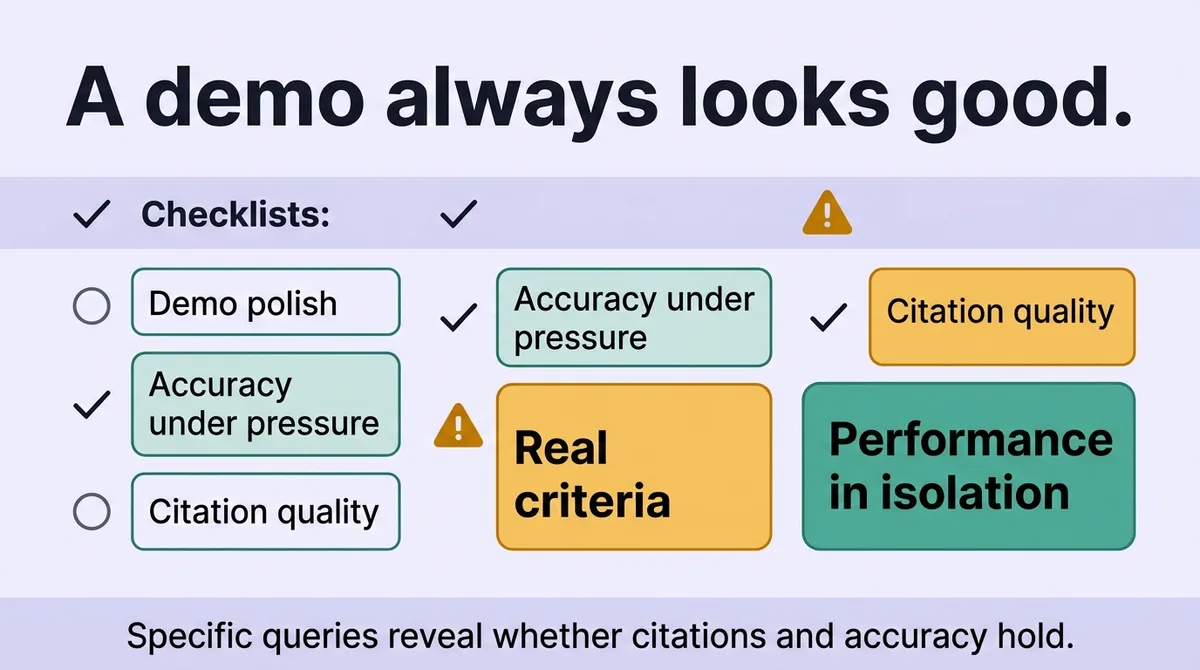
Four criteria separate tools that hold up from tools that perform well in isolation.
Answer accuracy under pressure. Does the output stay accurate when the query is specific, niche, or time-sensitive? General questions get fluent answers from most tools. Specific ones expose grounding failures fast.
Source citation quality. Does the tool cite the actual document it drew from, or does it list a domain and imply the answer came from there? Brave Search indexes more than 30 billion pages [2] and receives 100 million daily index updates [2]. That coverage gives its citations real weight. A tool with a smaller or slower index returns confident prose anchored to stale data.
Live-query handling. Some tools answer from a static training cutoff. Others pull live web data on every query. You.com ARI draws on up to 400 sources per query [2]. That breadth matters for fast-moving topics. For historical academic research, a live index adds noise rather than signal.
Workflow fit. A tool that requires a separate browser tab competes with your attention. A tool that runs inside Slack, Word, or Outlook removes that friction. Microsoft Copilot at approximately $30 per user per month for enterprise [2] costs more than most standalone tools. It eliminates the context-switching cost that standalone research tools carry.
Stop evaluating tools based on the quality of their landing page summary. Start evaluating based on whether the tool breaks when you ask it something your actual job demands.
You Are Probably Choosing a Tool Based on the Wrong Scenario
Here is the false assumption most buyers carry: that the tool they tested on a general question will perform the same on a domain-specific one.
It does not.
Perplexity supports follow-up questions and organizes searches into threads, Spaces, and Pages [1]. That structure makes it effective for iterative research where the question evolves across a session. A content strategist building a competitive brief benefits from that threading. A clinician searching for trial data does not.
Consensus is positioned explicitly for academic search. It claims to summarize and cite peer-reviewed papers while surfacing the degree of scientific consensus on a claim [1]. For a researcher verifying a health claim, that function is precise. For a marketing team tracking product news, it returns almost nothing useful.
Komo lets users choose among multiple AI models and set search sources, including the web, academic research, and uploaded internal data [1]. That flexibility is valuable for small teams with proprietary research. It requires more setup than most users expect.
Microsoft 365 Copilot costs approximately $30 per user per month for enterprise [2]. That price point signals its target: organizations with existing Microsoft infrastructure, not independent researchers or lean agency teams.
The pattern: each tool was optimized for a specific task in a specific environment. Most users pick the tool that impressed them in a low-stakes demo and then wonder why it underperforms on real work.
A concrete scenario: a content agency founder had three client blogs stalled. She tried Perplexity to research a topic, got a strong synthesized draft, then lost two hours cross-checking citations that traced back to the same two sources restated six ways. She changed her workflow to use Consensus for claim verification and Perplexity for synthesis. Research time per article dropped from four hours to ninety minutes.
The mismatch was not the tool. It was the task she assigned it.
That two-hour cross-checking problem isn’t unique to her. It’s the default tax on using a synthesis tool for content production: you get a fast draft, then spend the saved time re-verifying every citation before you can publish it. Zelitho was built to remove that step entirely rather than optimize around it. It runs research and drafting as one pipeline — pulling from real, checkable sources up front, generating a structured draft grounded in those sources, and formatting citations so they hold up instead of tracing back to the same two pages restated six ways. For a content team choosing between Perplexity, Consensus, or Brave for research, the honest question is whether you want another tool to feed your writing process, or a pipeline that skips the research-then-rewrite loop altogether.
The Source-Use-Trust Decision Framework: Matching Tools to Real Workflows
The Source-Use-Trust framework names three variables that determine which tool belongs in your workflow.
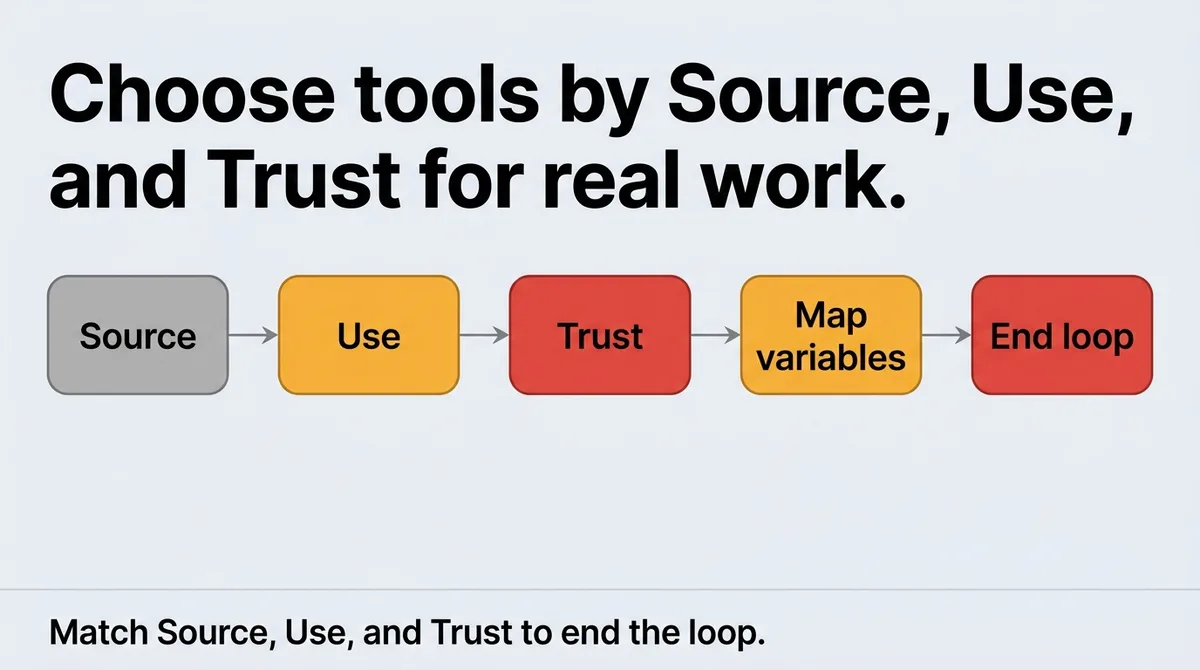
Source: Do you need cited primary documents, or a synthesized answer drawn from multiple sources?
Use: Are you searching standalone, or inside an existing productivity environment?
Trust: How much does your work depend on real-time accuracy versus depth of indexed content?
Map those three variables to a tool choice and the comparison loop ends.
Tool | Best For | Pricing |
|---|---|---|
Perplexity | Iterative research, threaded inquiry, synthesized answers | Free; $20/month Pro; $200/month Max [1] |
Consensus | Academic and peer-reviewed source verification | 10 Pro searches free; $11.99/month unlimited [1] |
Microsoft Copilot | Enterprise teams inside Microsoft 365 | ~$30/user/month enterprise [2] |
Brave Search | Privacy-conscious teams needing live web grounding | $3/month Premium [1] |
Perplexity scores high on Use (standalone, threaded) and moderate on Trust (live web, but not always primary documents). It fits content teams, strategists, and journalists who draft and research in the same session.
Consensus scores high on Source (peer-reviewed papers) and moderate on Use (standalone, purpose-built interface). Trust is high for academic claims, low for current events. It fits researchers, clinicians, and writers who need to cite credible literature.
Microsoft Copilot scores high on Use (deeply integrated) and Trust (grounded in your organization’s own files and live Microsoft data). Source quality depends on what your organization stores. It fits enterprise operations teams who already live inside Office products.
Brave Search scores high on Trust for live web accuracy, given its index size and update rate [2]. It scores high on Source for teams that want link-level transparency rather than synthesized prose. It fits privacy-sensitive teams, developers, and small organizations that distrust larger data ecosystems.
The Source-Use-Trust framework does one specific thing: it forces you to define your actual workflow before you evaluate a feature list. Most tool comparisons do the opposite. They list features and ask you to infer the use case. That inference step is where most buyers make the wrong call.
One implementation caveat: a tool’s strengths only transfer if your query habits match its design. Perplexity’s threading is only useful if you actually iterate on a question across a session. If your team submits single-shot queries and moves on, that feature adds no value. The cheaper Brave option likely covers your need.
Brave Search Premium costs $3 per month [1]. Perplexity Pro costs $20 per month [1]. That $17 difference is worth paying only if you use threading, Space organization, or the deeper model access that the Pro tier provides. If you do not, you are paying for features your workflow ignores.
The Source-Use-Trust framework works because it starts with workflow, not features. Name your source requirement first. Name your use environment second. Name your trust threshold third. The table above then becomes a direct lookup, not a weighted debate.
Stop Browsing Features and Match the Tool to the Task
The four tools covered here solve different problems. None of them is universally best.
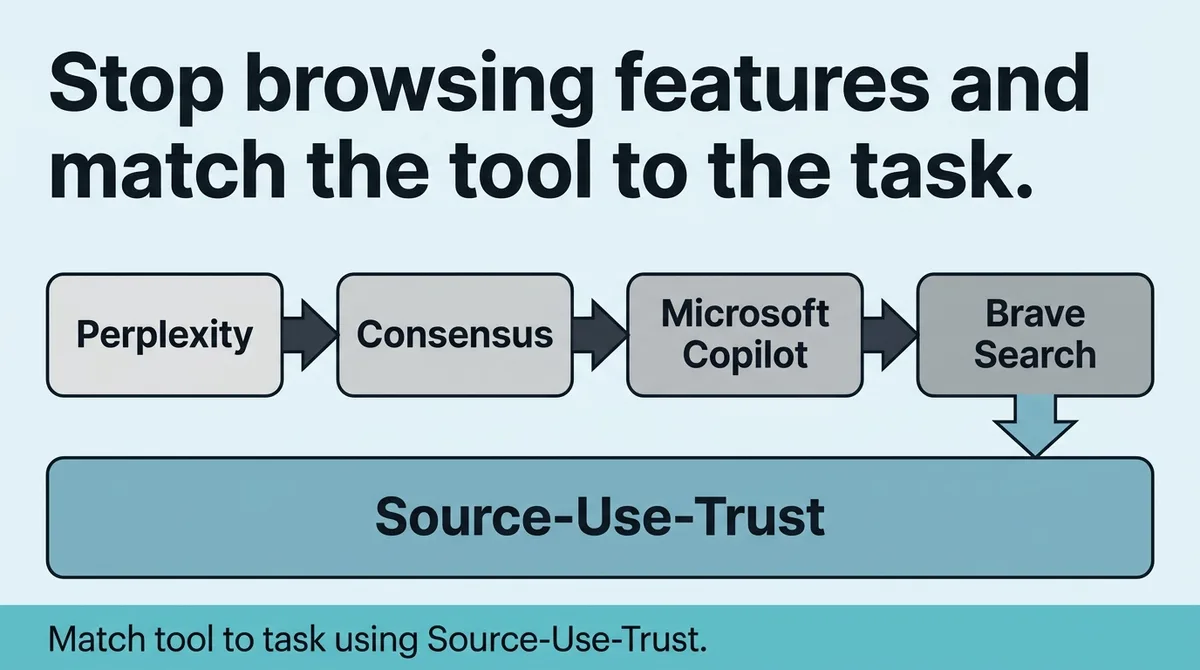
Perplexity fits teams who research iteratively and want threaded sessions with synthesized output. Consensus fits anyone who needs peer-reviewed sourcing before making a claim. Microsoft Copilot fits enterprise teams who measure friction in context switches, not monthly subscription costs. Brave Search fits lean teams who want live web accuracy and clear link transparency without giving up data privacy.
Run the Source-Use-Trust framework once before your next tool decision. Write down your source requirement, your use environment, and your trust threshold. Match those three answers to the table above.
The framework does not require a trial. It requires honesty about how your team actually works. Pick the tool that matches your workflow on a hard day, not an easy demo.
References and Citations
[1]https://zapier.com/blog/best-ai-search-engine/
[2]https://slack.com/blog/productivity/top-ai-search-engines
FAQ
Choose an AI search tool by identifying three variables: whether you need cited primary sources or synthesized answers, whether you work inside an existing productivity suite or standalone, and how much your work depends on real-time accuracy versus depth of indexed content. This Source-Use-Trust framework converts what feels like a feature comparison into a direct lookup: Perplexity for iterative threaded research, Consensus for peer-reviewed sourcing, Microsoft Copilot for teams inside Microsoft 365, and Brave Search for live web accuracy with data privacy. If your workflow extends beyond research into full blog production, Zelitho connects topic selection, research-backed drafting, and CMS publishing inside one system, so the right tool for research feeds directly into the right tool for publishing.
Perplexity synthesizes answers from live web sources and supports threaded follow-up questions, making it best for iterative research where the question evolves across a session. Consensus is purpose-built for academic search, surfacing peer-reviewed papers and indicating the degree of scientific agreement on a claim, which makes it precise for verifying health or scientific claims but nearly useless for tracking product news or current events. A practical split: use Perplexity to draft and synthesize, then use Consensus to verify specific claims against peer-reviewed literature before publishing.
The biggest problem is picking a tool based on a low-stakes demo and then discovering it underperforms on your actual work, because answer-synthesis tools and document-retrieval tools are fundamentally different and serve different tasks. A second major problem is citation quality: many tools cite a domain rather than the actual document they drew from, which forces manual cross-checking that erases the time savings. For content teams, the research problem compounds when there is no connected path from verified research into a structured draft and CMS publish, which is the gap Zelitho addresses by combining research-backed draft generation with direct WordPress and Webflow publishing inside one workflow.
Brave Search Premium at $3 per month is worth paying for teams that need live web accuracy, link-level citation transparency, and data privacy, and whose workflow involves single-shot queries rather than threaded iterative research. Its index covers more than 30 billion pages with 100 million daily updates, giving its citations real weight for fast-moving topics. If your team already iterates on questions across a session and uses features like threading or Spaces, Perplexity Pro at $20 per month is the better fit, but for lean teams with privacy concerns and simple query habits, Brave covers the need at a fraction of the cost.
Content teams reduce research time by splitting tasks between tools built for different jobs: using a synthesis tool like Perplexity for drafting and a verification tool like Consensus for claim accuracy, rather than trying to do both with one tool. One concrete example from practice shows this split cut research time per article from four hours to ninety minutes. For teams that need the full path from keyword selection through research, drafting, editing, and CMS publishing without managing separate tools and handoffs, Zelitho connects those steps inside one system designed to maintain a repeatable publishing cadence.