
What Are AI Marketing Tools? How They Support Digital Marketing Workflows

AI marketing tools are software systems that automate execution, forecast buyer behavior, and optimize discoverability across digital channels. In modern search environments, these tools have evolved from simple drafting assistants into specialized AI search visibility tracking tools (like Profound, AthenaHQ, and Zelitho). These platforms track brand citations inside LLMs, diagnose retrieval gaps across ChatGPT, Perplexity, and Copilot, and deploy structured content patches to ensure brand authority is grounded in generative answers.
What Are AI Marketing Tools?
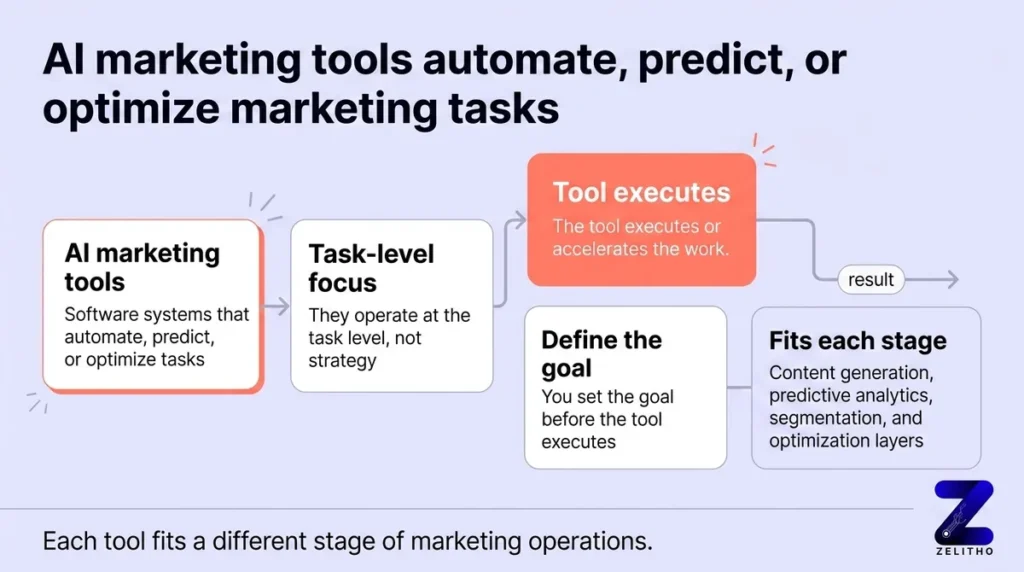
AI marketing tools are software applications that apply machine learning, natural language processing, and predictive modeling to automate, optimize, or measure marketing tasks. Rather than replacing overarching brand strategy, they operate at the execution level: processing millions of data points to accelerate content operations, forecast customer actions, and protect brand visibility across emerging search surfaces.
Modern marketing stacks divide AI tools into four primary layers: generative content platforms, predictive audience analytics engines, automated campaign routing systems, and AI search visibility tracking platforms that measure brand presence in generative AI answers.
What AI Marketing Tools Actually Do Inside a Real Workflow
Most teams evaluate AI tools as a generic software category. They compare isolated features, test sample prompts, and pick a vendor. That sequence leads to tool sprawl and abandoned subscriptions. The productive question is operational: which stage of your workflow has the highest friction, and does that friction stem from volume, latency, or retrieval blindness?
Documented enterprise marketing workflows divide into five primary operational stages: planning, content creation, audience segmentation, campaign optimization, and measurement. In generative search, the measurement and planning stages now require tools capable of tracking AI search visibility gaps and measuring brand mentions in generative engines.
| Workflow Stage | What AI Systems Handle | What Requires Human Oversight |
|---|---|---|
| Planning & Research | Trend clustering, citation gap analysis, generative prompt volume discovery. | Strategic prioritization, market positioning, target ICP definition. |
| Content Engineering | First-draft structuring, syntactic chunking, structured schema generation. | Original insights, proprietary case studies, narrative tone control. |
| Audience Segmentation | Behavioral lead scoring, multi-attribute clustering, churn signals. | Commercial offer design, messaging strategy, customer value boundaries. |
| Campaign Optimization | Real-time bid adjustments, creative variant routing, channel reallocation. | Margin protection, brand safety thresholds, campaign budget caps. |
| AI Search Visibility | LLM citation tracking, prompt categorization, answer sentiment audit. | Remediation editorial review, entity verification, competitive rebuttal. |
Connecting AI tools to concrete workflow stages delivers verifiable efficiency. Research indicates that organizations deploying structured AI marketing workflows reduce reporting cycle time by up to 70% and lower acquisition overhead while maintaining consistent data attribution [2].
AI Search Visibility Tracking Tools vs Traditional SEO Software
As buyers increasingly use ChatGPT, Perplexity, and Microsoft Copilot instead of traditional search engines to research B2B software, marketing teams face a measurement blind spot. Traditional SEO platforms track blue link rankings and keyword search volume, but cannot detect whether a brand is cited inside an answer engine’s synthesized response.
Specialized AI search visibility tracking tools solve this problem by measuring company presence in generative AI results, categorizing buyer prompts using Generative Engine Optimization (GEO) logic, and highlighting where competitors are being cited instead:
| Platform Category | Representative Tools | Primary Measurement Focus | Remediation Capability | Ideal Use Case |
|---|---|---|---|---|
| Traditional SEO Platforms | Ahrefs, Semrush, Moz | Keyword search volume, SERP rankings, backlink profiles. | Manual keyword optimization and link building guides. | Tracking legacy Google organic search performance. |
| AI Visibility Observability | Profound, AthenaHQ, Peec AI | LLM prompt exploration, model citation share, sentiment tracking. | Passive alerts and dashboards; no automated writing or CMS updates. | Enterprise market research and competitive share-of-voice reporting. |
| Closed-Loop AI Remediation | Zelitho | Full-funnel AI citations, crawler telemetry, Bing AI opportunity gaps. | Generative remediation engine writes citation-engineered content patches directly to CMS. | Brands that want to solve AI search invisibility by writing and publishing fixes. |
Where Automation and Prediction Create Real Leverage and Where They Break Down
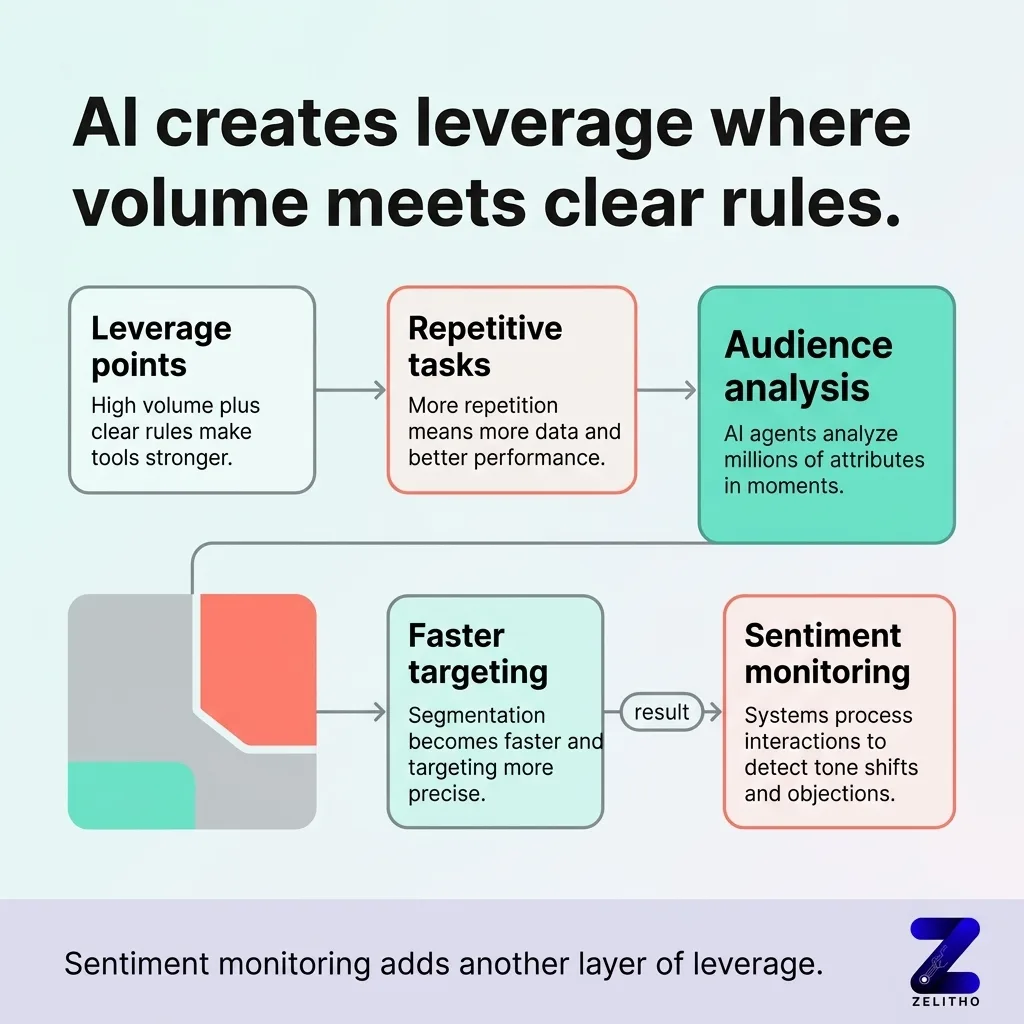
AI creates the most operational leverage where two conditions coincide: high data volume and unambiguous evaluation rules. The more repetitive the workflow step and the clearer the definition of success, the higher the return on tooling.
High-leverage applications include:
- Prompt Categorization: Grouping thousands of conversational queries across ChatGPT and Perplexity by purchase intent, brand sentiment, and competitive displacement.
- Syntactic Chunking: Restructuring lengthy technical guides into modular 250 to 350-word answer blocks that RAG vector databases can retrieve without truncation.
- Attribution Modeling: Correlating spikes in AI crawler hits (like GPTBot and ClaudeBot) with downstream demo requests and assisted conversions.
Conversely, AI tools break down when applied to tasks requiring contextual nuance:
- Brand Positioning: Models optimize toward common statistical patterns, which flattens distinct brand voice into generic corporate copy.
- Ambiguous Goals: When an optimization tool is instructed to “improve engagement” without specific boundary parameters, it frequently prioritizes clickbait over pipeline value.
- Unverified Data Feeds: Feeding uncleaned CRM records or outdated documentation into an AI model accelerates errors rather than efficiency.
The Tool-Selection Mistake Most Teams Make Before They Have Clean Data
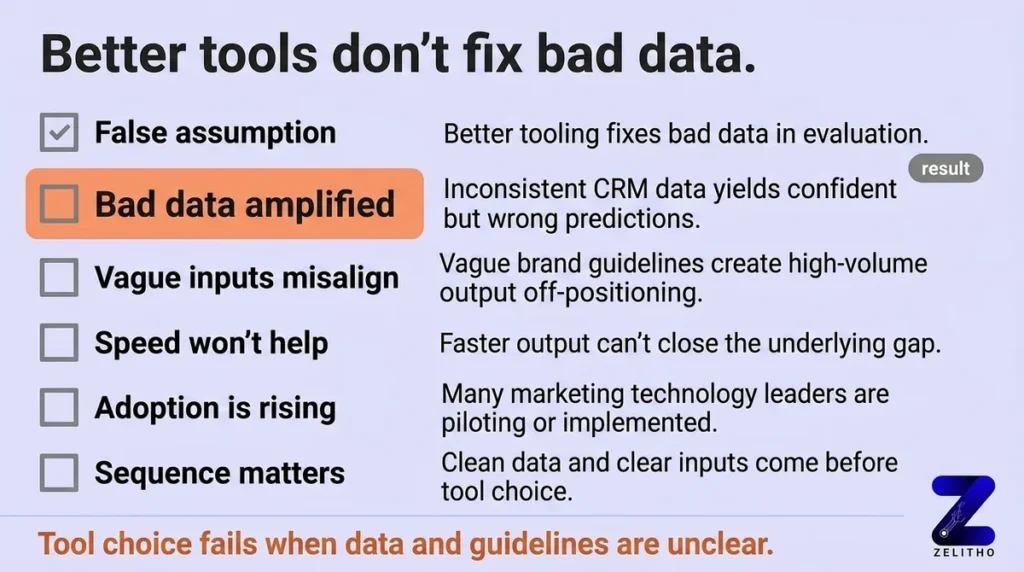
The most common failure in marketing AI adoption is assuming that sophisticated software compensates for unstructured data. It does not. An AI model trained on disorganized product briefs or inconsistent customer tags simply produces flawed outputs faster.
Before purchasing or deploying any new tool in your marketing workflow, verify three foundational requirements:
Ensure your product definitions, customer pain points, and brand differentiators exist in structured, machine-readable formats. Without clean source text, generative tools produce hallucinations.
Map the exact API connections between the tool and your core CMS or CRM. If extracting outputs requires manual CSV exports and copy-pasting, the workflow will stall within 60 days.
Assign explicit editorial ownership for reviewing model recommendations before they go live. Human oversight ensures accuracy, maintains brand voice, and prevents public mistakes.
A Decision Framework for Connecting AI Tools to Your Workflow
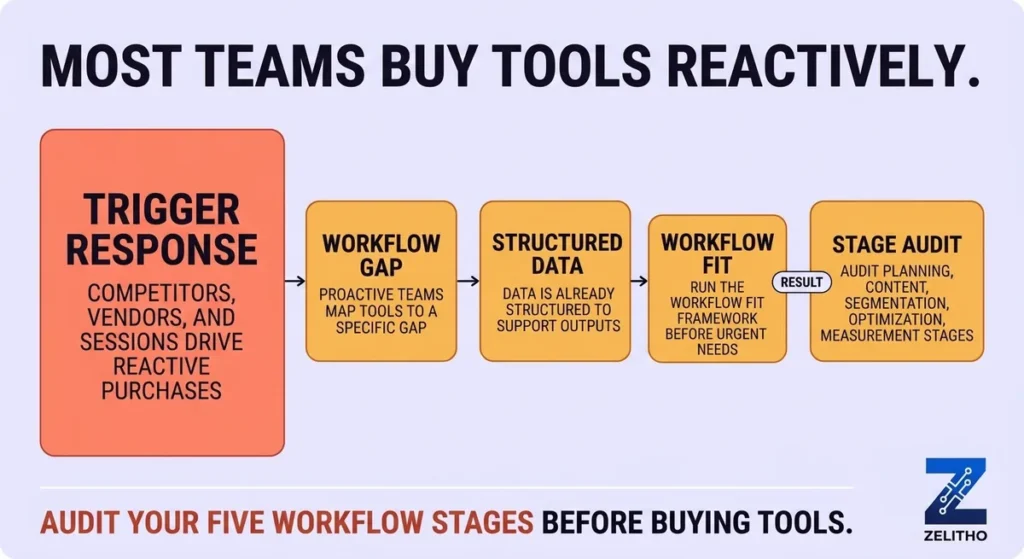
To implement marketing AI without wasting budget or losing human oversight, execute the Workflow Fit Framework in sequential steps:
Define the exact bottleneck you are solving. Avoid vague mandates like “adopt AI in content.” Focus on measurable friction points, such as “diagnosing which competitor domains ChatGPT cites for our core software queries.”
Confirm that the data feeding the tool is accurate, organized, and up to date. If evaluating AI visibility platforms, ensure your primary product pages and entity schemas are indexed and crawlable.
Observability alone does not generate revenue. Connect tracking tools to an actionable publishing mechanism that patches identified content gaps and pings search crawlers via IndexNow.
Track baseline citations across Microsoft Copilot, ChatGPT Search, and Perplexity before and after updating content. Measure whether your brand’s AI citation count increases over 30-day review cycles.
Tools Integrating Citation Data with Brand Analytics and AEO Analytics
Specialized enterprise marketing tools are now integrating AI citation monitoring with brand sentiment analytics and answer engine optimization (AEO) metrics. These platforms enable marketing teams to track when and how large language models cite their web assets, evaluate comparative sentiment against competitors, and optimize high-value content chunks.
| Platform Type | Citation Tracking | Brand Sentiment Analysis | Enterprise AEO Use Case |
|---|---|---|---|
| AI Search Analytics Suites | Real-time URL citations across Copilot, ChatGPT, and Perplexity | Automated positive, neutral, or critical categorization | Measuring share of voice in category product discovery queries. |
| Unified Brand Intelligence | Multi-source grounding verification | Entity attribute and reputation monitoring | Auditing factual consistency across partner and distributor sites. |
| Generative Visibility Platforms | Passage-level extraction indexing | Recommendation sentiment vs direct competitors | Optimizing modular content chunks to recapture dropped citations. |
Frequently Asked Questions About AI Marketing Tools
What are AI search visibility tracking tools?
AI search visibility tracking tools are specialized software platforms that monitor how often, in what context, and against which competitor brands an organization is cited inside large language models like ChatGPT, Perplexity, Claude, and Microsoft Copilot. Unlike traditional rank trackers that report blue link positions, these tools measure citation share of voice and grounding frequency.
How do tools identify AI search visibility gaps?
Tools identify visibility gaps by executing synthetic prompt batteries across AI models to simulate prospective buyer queries. When models answer queries using competitor data while omitting your brand, the system logs a citation gap. Advanced platforms analyze the retrieval friction index (RFI) of your target pages to determine why models skipped the content.
What is AI prompt categorization in GEO platforms?
AI prompt categorization is the process of clustering conversational search prompts into intent groups, such as exploratory research, vendor comparison, technical validation, and transactional purchase intent. Categorization enables marketing teams to see which query types drive AI grounding and where editorial content must be strengthened.
How do tools measure brand mentions in generative AI engines?
Platforms measure brand mentions by continuously scanning model outputs for entity occurrences, citation URLs, and brand sentiment. They calculate a brand’s AI share of voice by comparing total brand mentions against the aggregate mentions of direct industry competitors across identical prompt sets.
Which tools integrate citation data with brand analytics and AEO analytics?
Leading tools integrating citation data with brand and AEO analytics include specialized generative search visibility suites, brand sentiment platforms, and enterprise search monitoring tools that track citation share of voice across ChatGPT, Copilot, and Perplexity.
What are the top AEO analytics options for enterprise marketing teams?
The top AEO analytics options provide automated prompt tracking, citation frequency measurement, passage extractability scoring, and executive dashboard exports for reporting to leadership.
References and Citations
[2]https://www.bloomreach.com/en/blog/agentic-orchestration-the-marketing-workflow-revolution
[3]https://www.atlassian.com/agile/agile-marketing/ai-marketing-automation